
Roobet Registration and Account Verification in India
Opening a Roobet account takes a couple of minutes with an email address and a password, or with a Google account in supported countries. The account unlocks the casino, with Roobet Originals such as Crash and Mines, and a sportsbook covering cricket, football, basketball and esports. Identity verification comes later and keeps withdrawals going to the right person. Rakeback through Roowards starts with the first wager, and the Register button below opens the sign-up form.
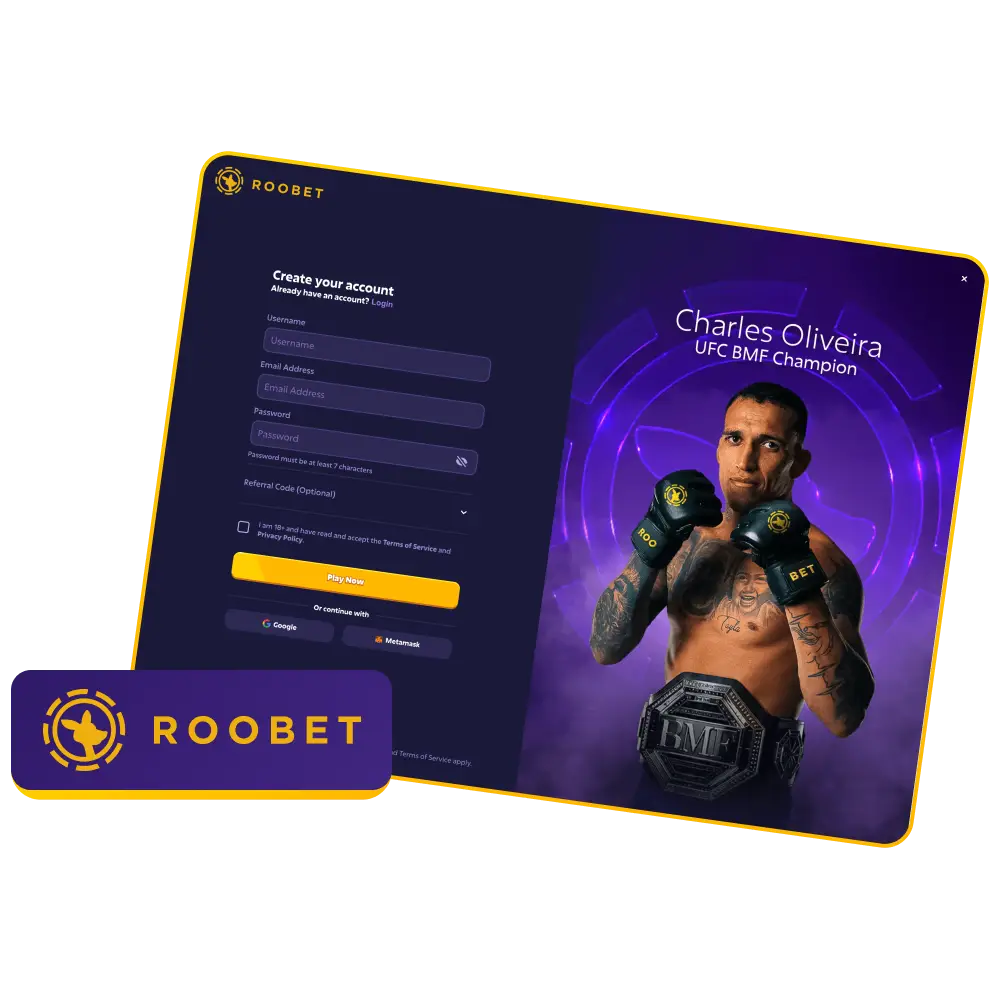
Roobet Sign Up Instructions
The Roobet sign-up form asks for only a few details. Five steps take a new player from the form to a funded account.
Start Your Registration
Select the Register button on this page to open the Roobet sign-up form.
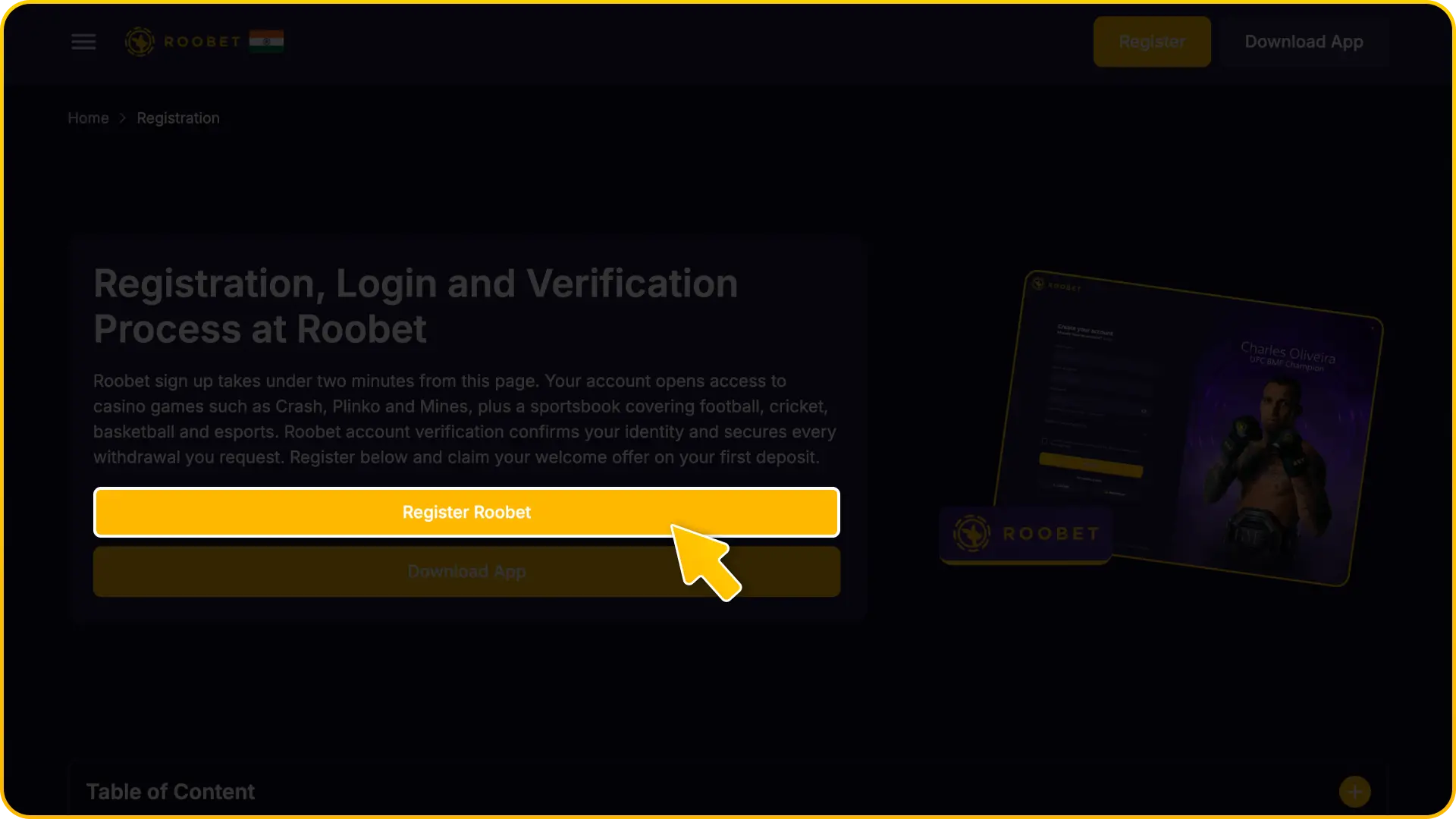
Enter Your Email and Set a Password
Type a working email address and choose a strong password; a username may be requested as well. A Google account can replace the email in supported countries.
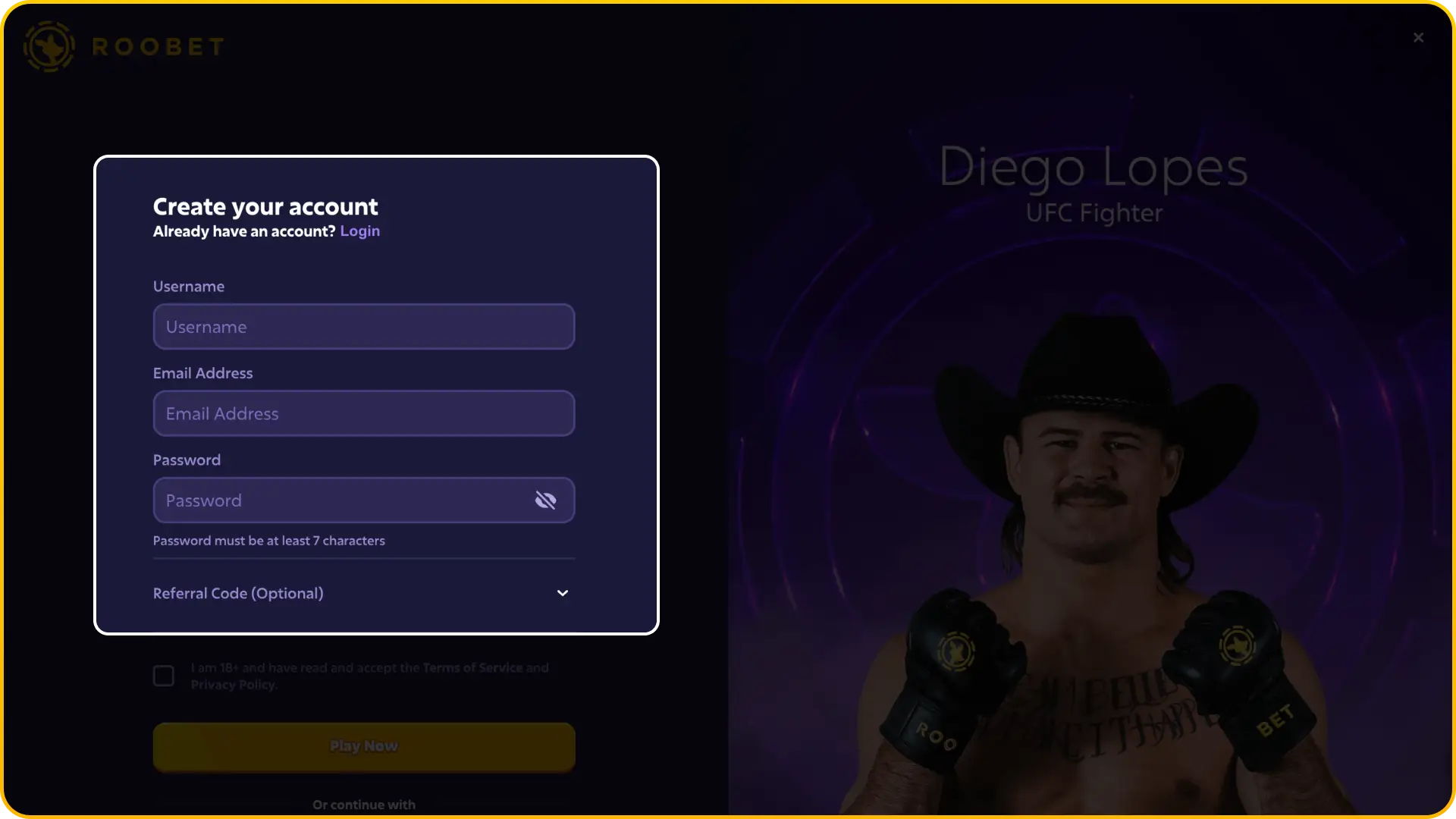
Choose Your Region and Accept the Terms
Pick the region of residence, confirm an age of 18 or over and accept Roobet’s terms of service.
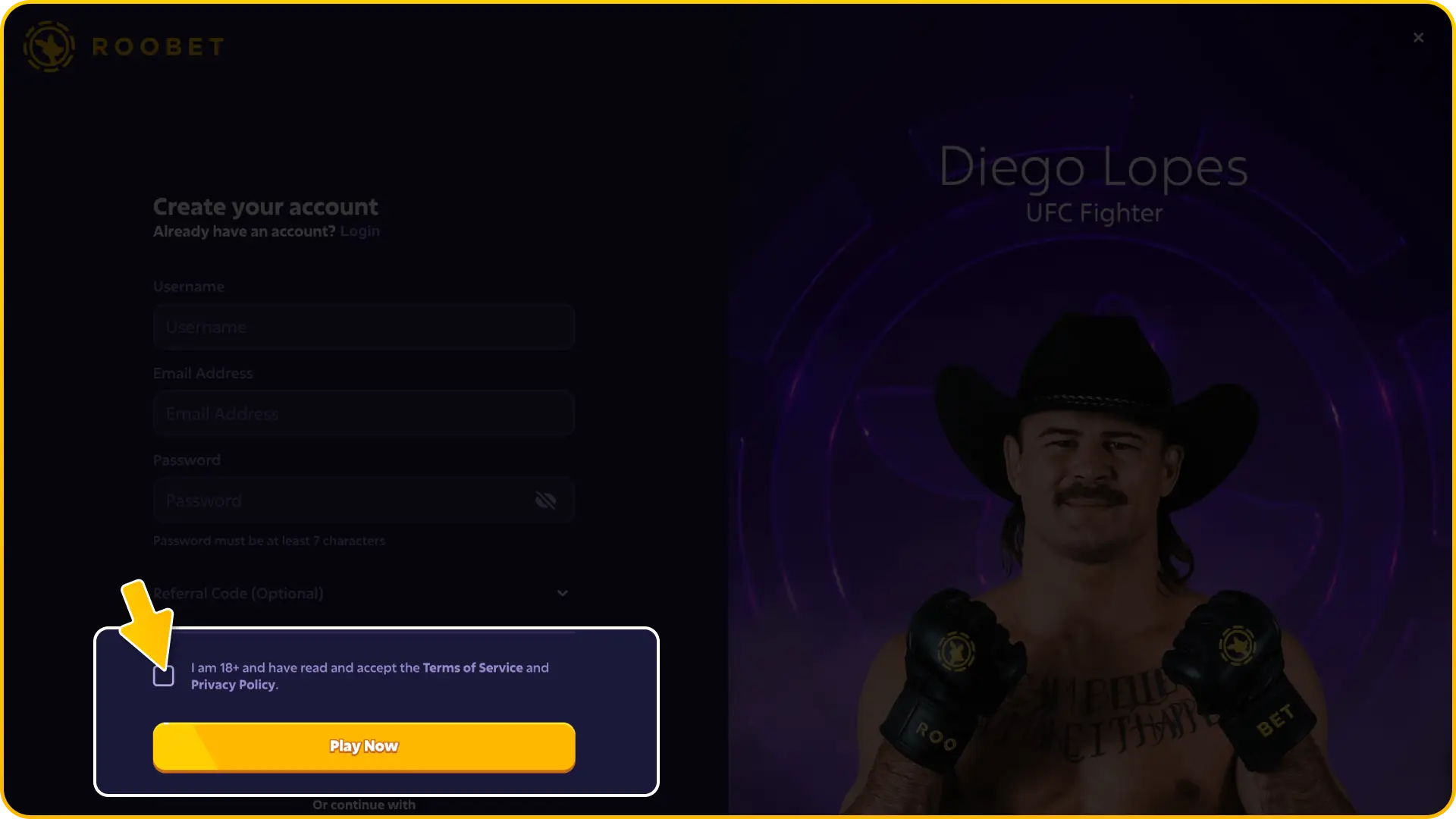
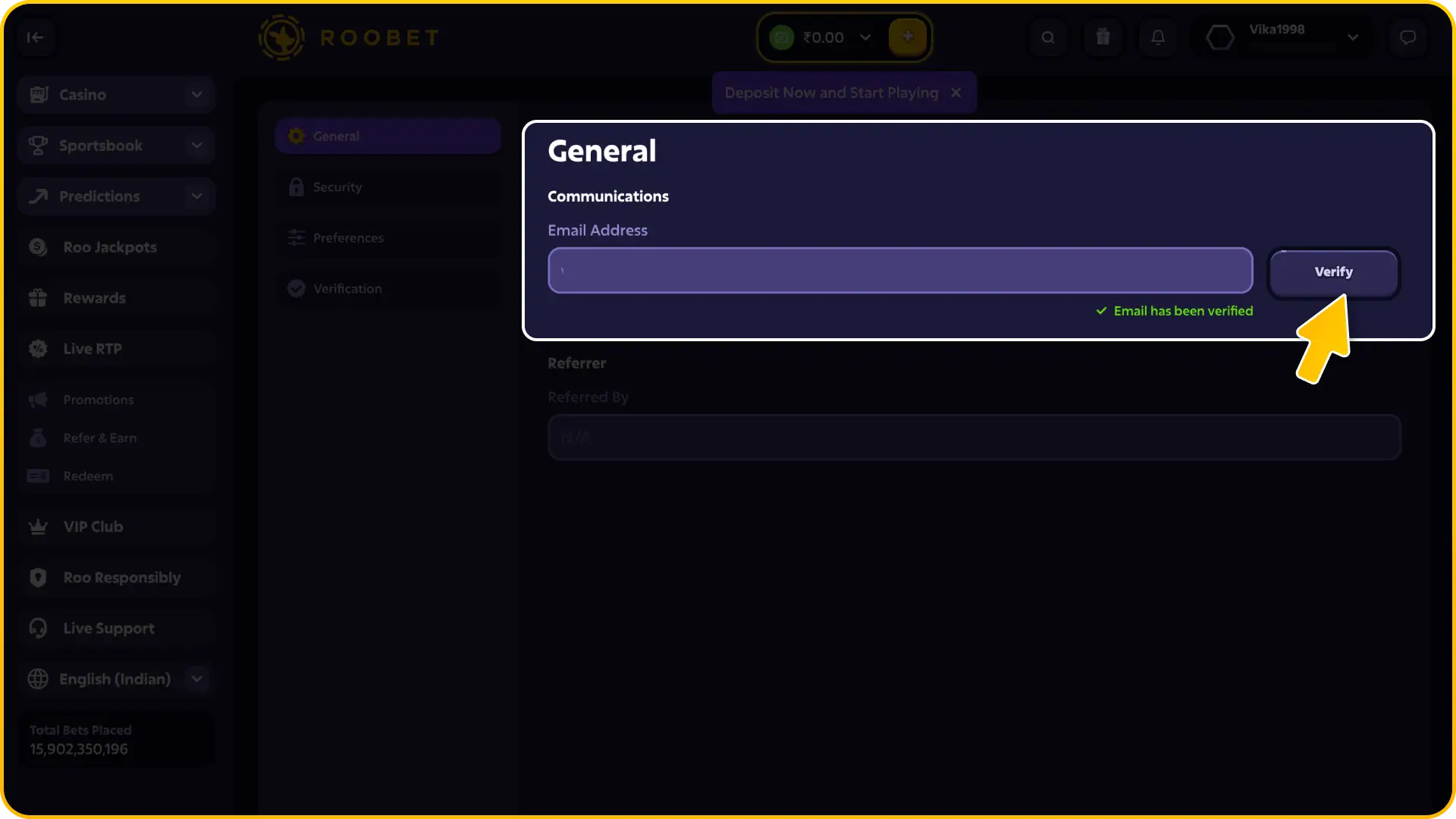
Turn On Two-Factor Authentication
Link Authy or Google Authenticator in the security settings. The step is optional, but it protects the balance from unauthorized logins.
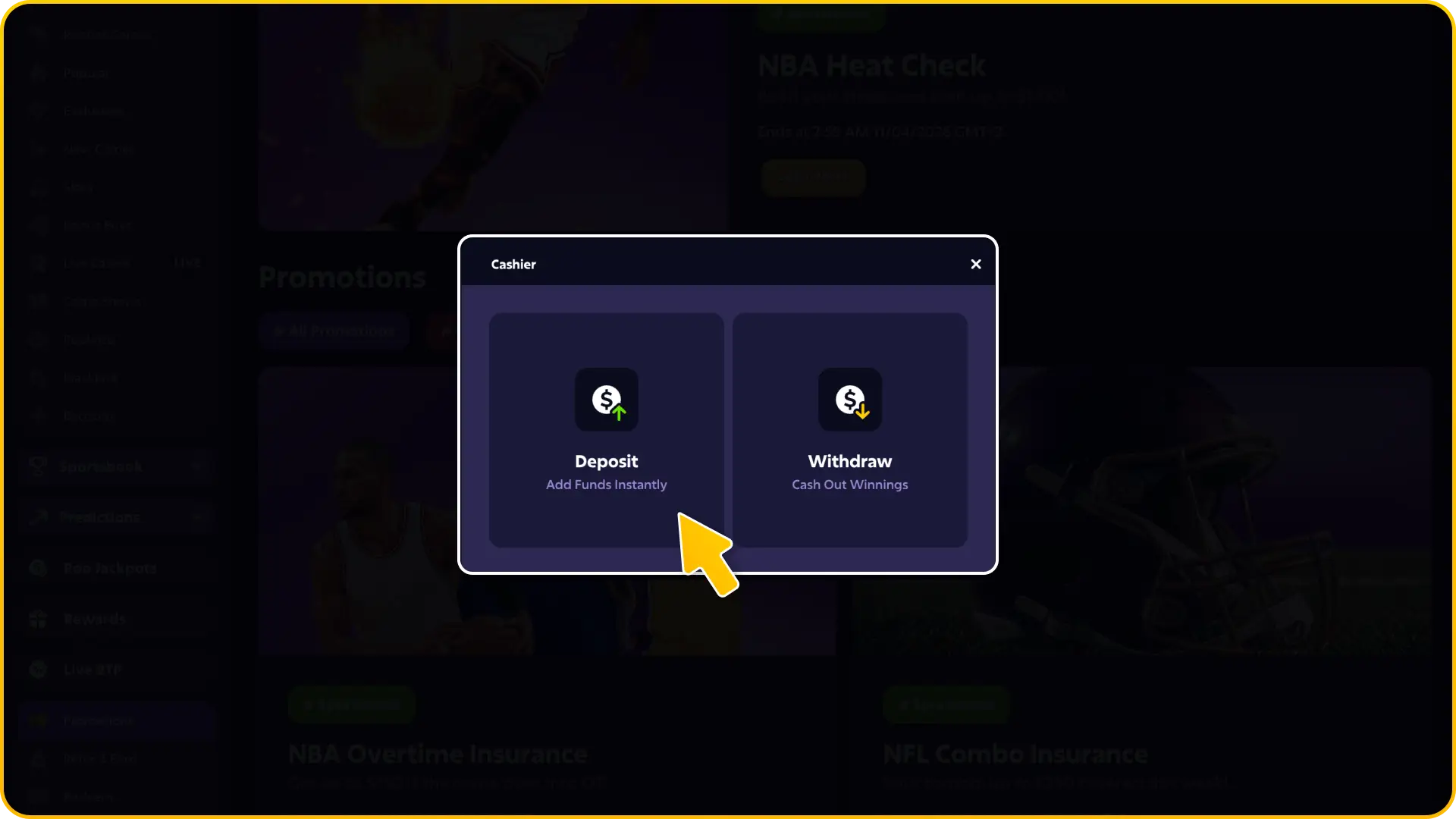
Make Your First Deposit
Fund the account through UPI in rupees, a Visa or Mastercard card, or crypto such as BTC, ETH or USDT.
Registering from a Phone
The sign-up form works the same way in a phone browser, and Roobet on mobile needs no separate app from a store.
Open Roobet in Chrome or Safari
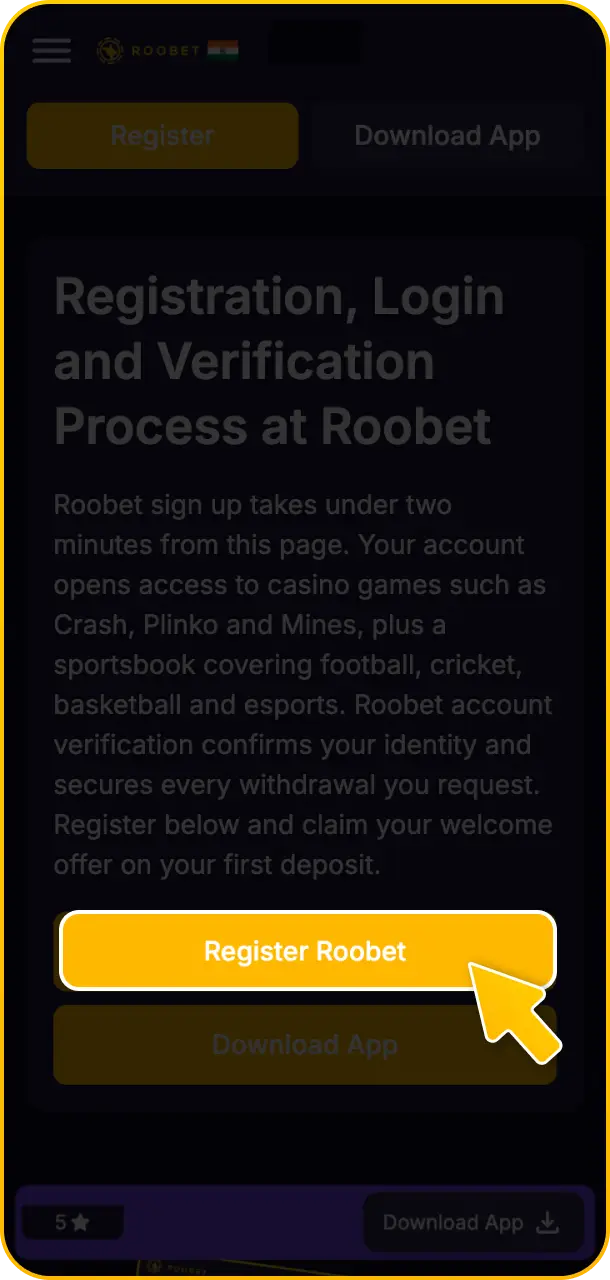
Load the site in the phone’s browser and tap Register.
Fill In the Form
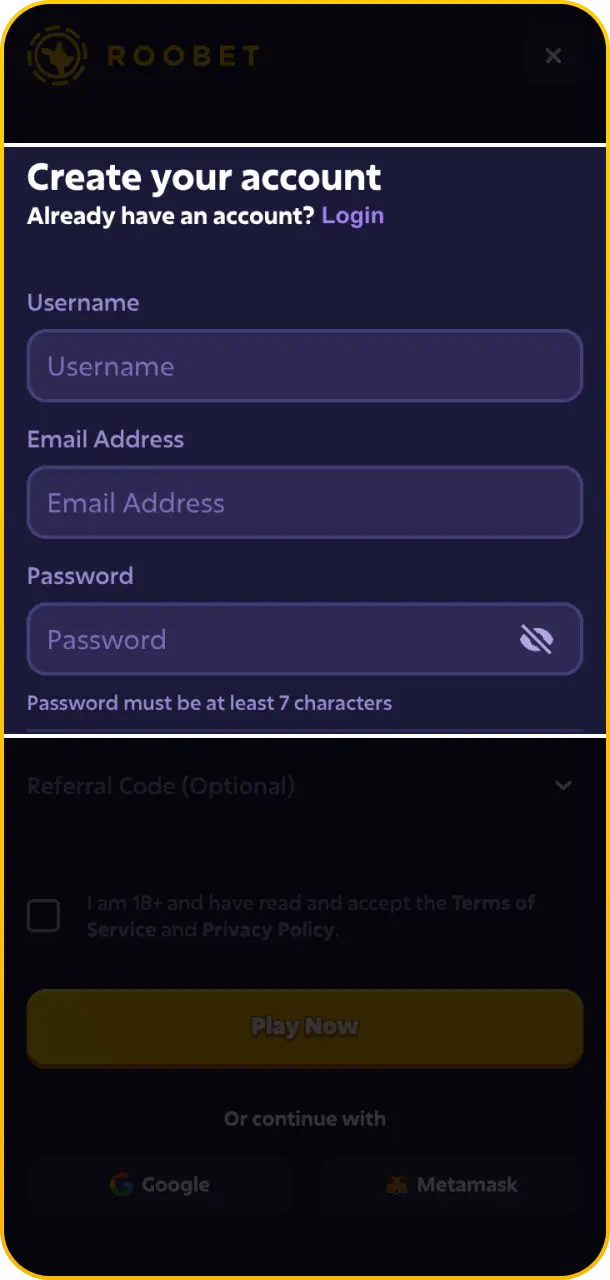
Enter an email and password or continue with Google, then choose the region and accept the terms.
Add a Home Screen Shortcut
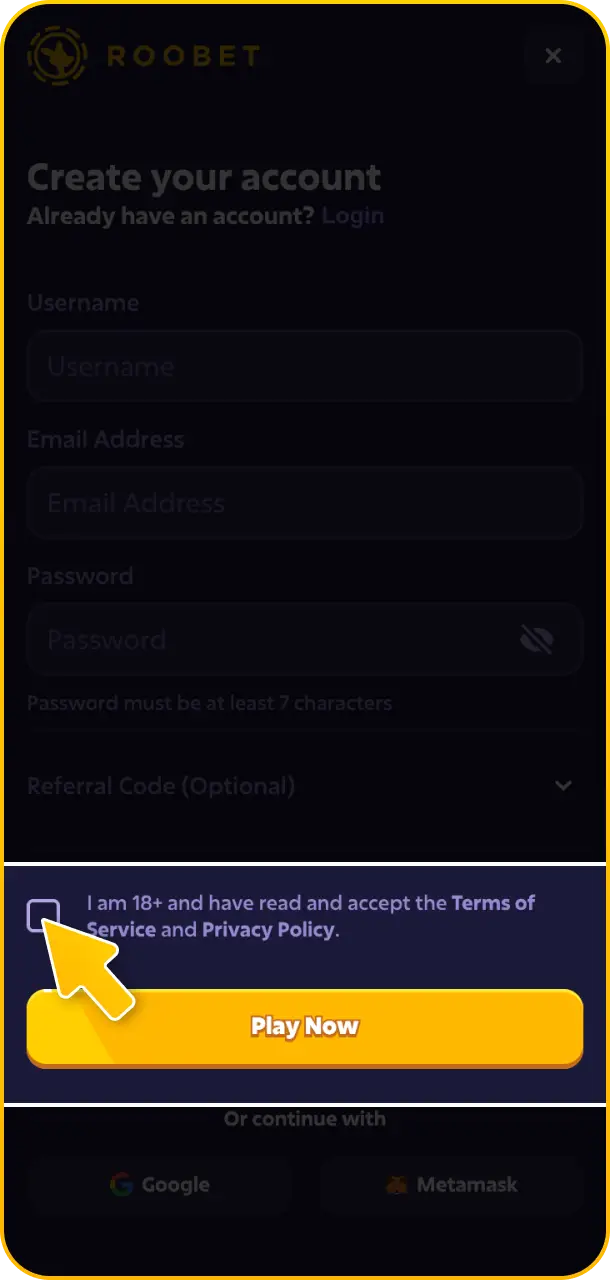
Use Add to Home screen in Chrome’s ⋮ menu or in Safari’s Share menu to reopen Roobet with one tap.
Roobet Registration Requirements
Roobet sets a few simple rules for new accounts, and the official terms and conditions page lists them in full, together with the restricted regions.
- Players must be 18 or older.
- Each person may hold only one Roobet account.
- Personal details must be accurate and match the documents used for verification.
- Residents of restricted regions cannot open an account; India is not on that list.
- The same name, date of birth and address should be used at sign-up and in later identity checks.
Potential Issues when Registering a Roobet Account
Most sign-up problems can be fixed in a minute, and a few need a message to Live Support.
- Problem: the email is already registered | Solution: use Reset Password on the login form or sign up with another address;
- Problem: the Google option is missing | Solution: register with an email and password, since Google sign-up depends on the country;
- Problem: the region cannot be selected | Solution: check the restricted regions list on the official terms page;
- Problem: the form will not submit | Solution: refresh the page, check every field and contact 24/7 Live Support if it still fails.
Roobet Account Verification Process
Roobet checks identity before payouts, and the review is the same for players in India and elsewhere. Verification is usually needed before the first withdrawal, and further documents can be requested once account activity passes certain thresholds.
- Level 2 documents: a passport, driver’s license or government ID, photographed on both sides;
- IMPS payouts in rupees: a PAN card, driver’s license or Aadhaar number entered with the bank details;
- Proof of address: a recent document, only when Roobet asks for it;
- Review: the verification team checks documents manually every day.
Tip: sharp, uncropped photos taken in good light avoid a second upload.
Signing In After Registration
Once the account exists, signing in takes the email and password or the Google account chosen at sign-up. Password resets, 2FA codes and login problems are covered in the Roobet login guide.
Open the Log In Form
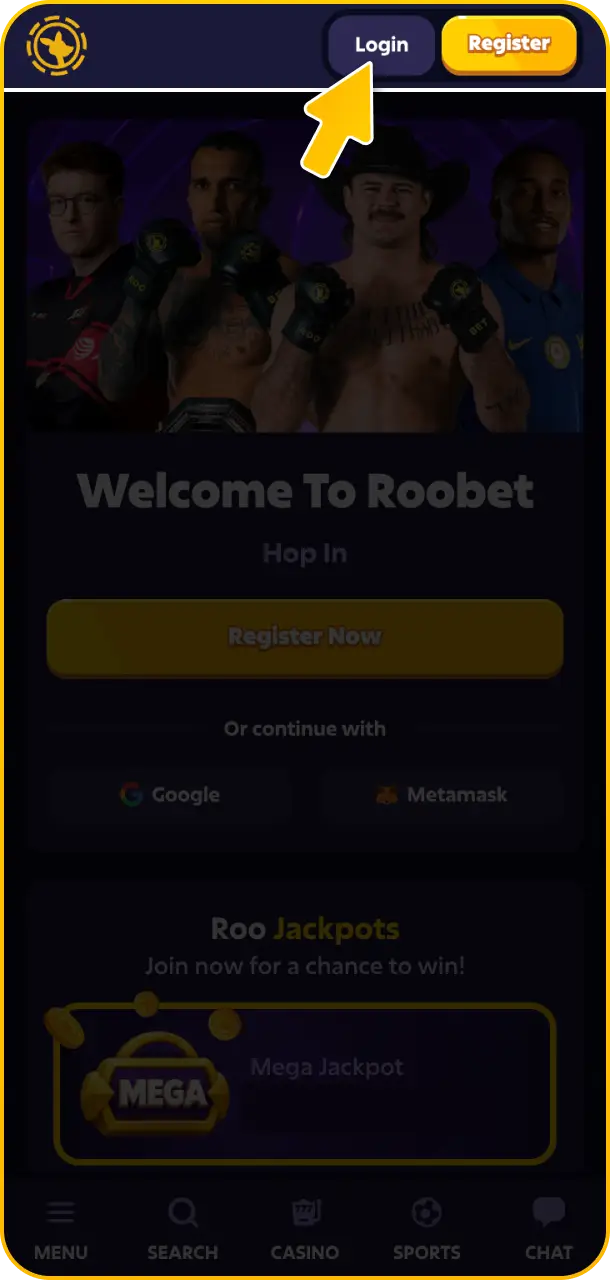
Select Log In on the Roobet website.
Enter Your Credentials
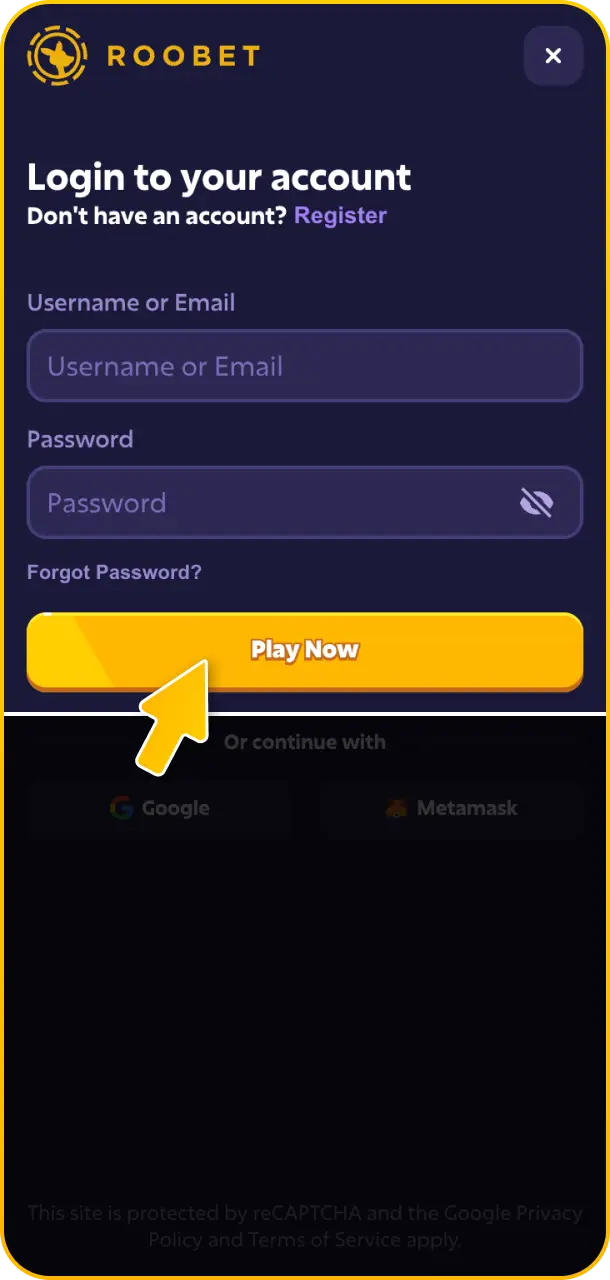
Type the email and password, or choose Google.
Enter the 2FA Code
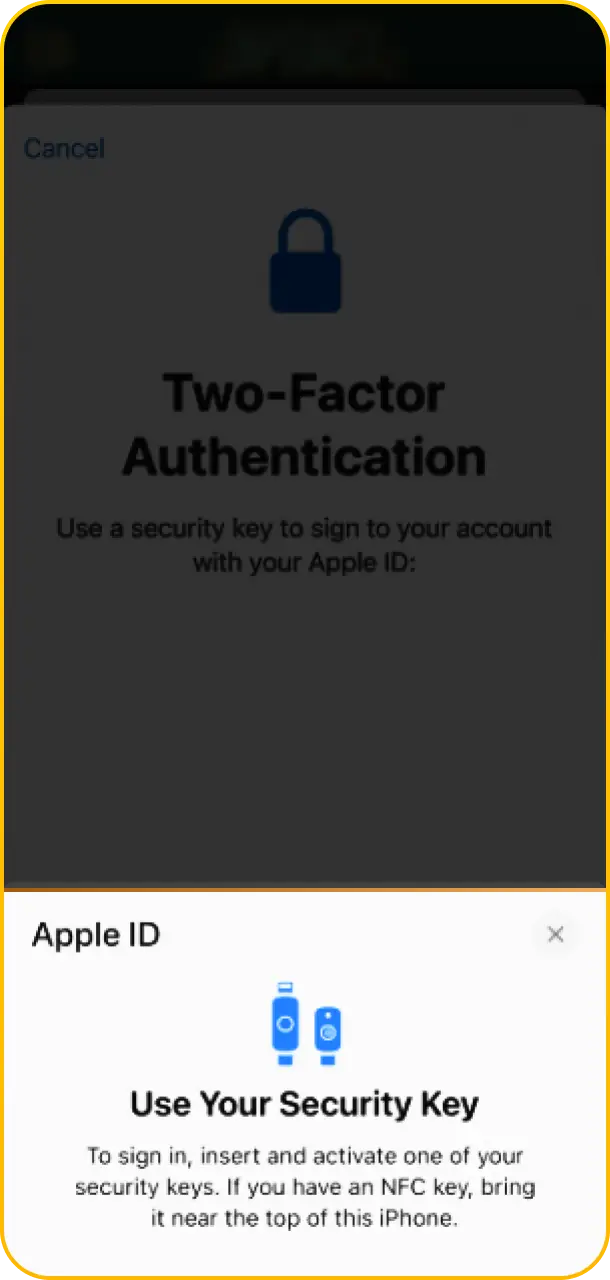
Add the code from Authy or Google Authenticator if 2FA is on.
Reach Your Account
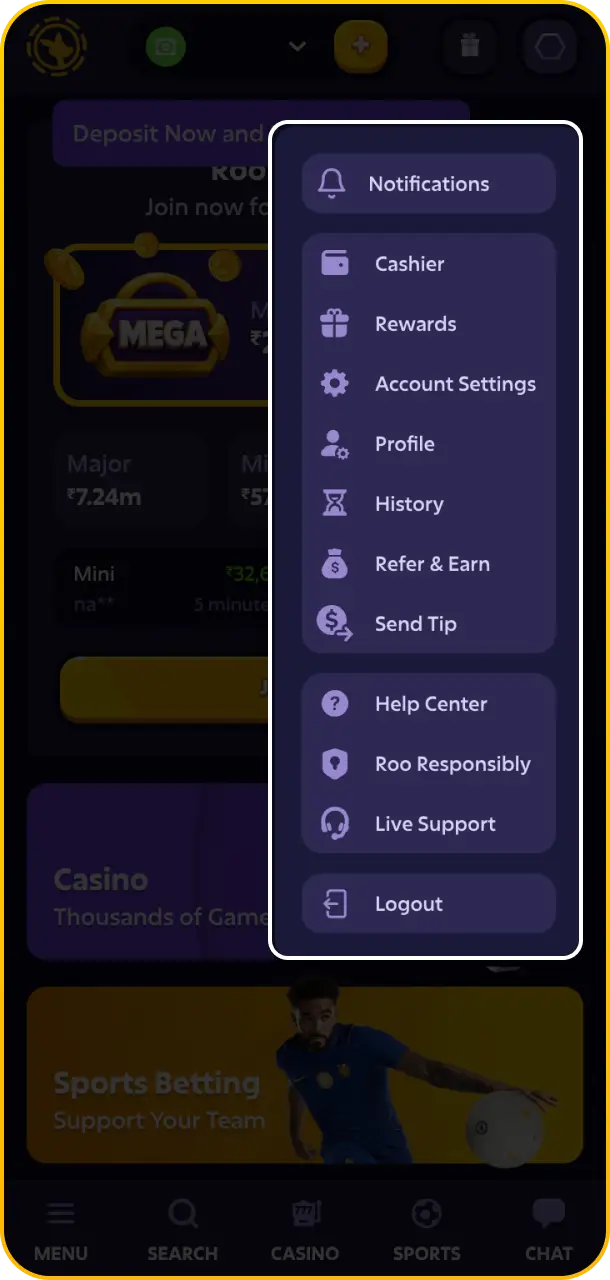
The balance, Roowards and game lobby open right after sign-in.
What New Players Get at Roobet
Roobet has no sign-up bonus tied to a first deposit. New accounts join Roowards instead, and the Roobet bonuses page covers every program in detail.
- Rakeback from the first bet: Instant every 30 minutes, plus Daily, Weekly and Monthly payouts;
- Rakeboost: +10% on Instant Rakeback for the first 24 hours after registration;
- Rain: free chat drops once the account has wagered $250 within 48 hours;
- RooSpins: free spins on selected slots;
- $100,000 Weekly Raffle: one ticket for every $1,000 wagered;
- Promo codes: entered under Redeem a Promo, often posted on Telegram or by streamers.
How to Delete a Roobet Account
Players close accounts to take a break, to control spending or simply because they no longer play. Roobet handles full deletion through its support team by email, and a brand-new account with no activity can also be closed with the Close My Account option in the settings.
- Withdraw the balance first, since funds left in a closed account are hard to recover.
- Email cs@roobet.com with Account Deletion in the subject line.
- Answer any identity questions so support can confirm the request is genuine.
- Wait for support to confirm that the account is closed.
Account Limits and Self-Exclusion
Deleting the account is not the only way to slow down. Roobet’s Gambling Limits can hold wagers, losses or deposits to a chosen daily, weekly or monthly amount, and up to three can run together, while a 24-hour time-out pauses play without closing anything. Self-exclusion, which begins after a 24-hour cooldown, blocks the account for a set period from one day to a year, or permanently, and cannot be lifted early. Players in India can reach Tele-MANAS on 14416 for free, confidential support at any hour.
FAQ
How long does Roobet account verification take?
Roobet’s team reviews documents manually every day, so most checks do not take long, although busy periods can add time. Live Support can give an update on a pending review.
Which documents do Indian players need for verification?
Level 2 asks for a passport, driver’s license or government ID (both sides). Payouts in rupees by IMPS also need a PAN card, driver’s license or Aadhaar, and proof of address is requested only in some cases.
What happens if a document is rejected?
Upload a clearer, uncropped photo of the same document through the verification section. If the second upload is rejected too, 24/7 Live Support can explain what is missing.
Can players in India register at Roobet?
India is not a restricted region for Roobet, so adults aged 18 and over can open an account. The brand holds a Curaçao license rather than an Indian one, and it is up to each player to check the laws in their own country.
Can one Roobet account be used for the casino and the sportsbook?
Yes. One account and one balance cover the casino, live dealer rooms and the sportsbook on desktop and mobile.
Updated: