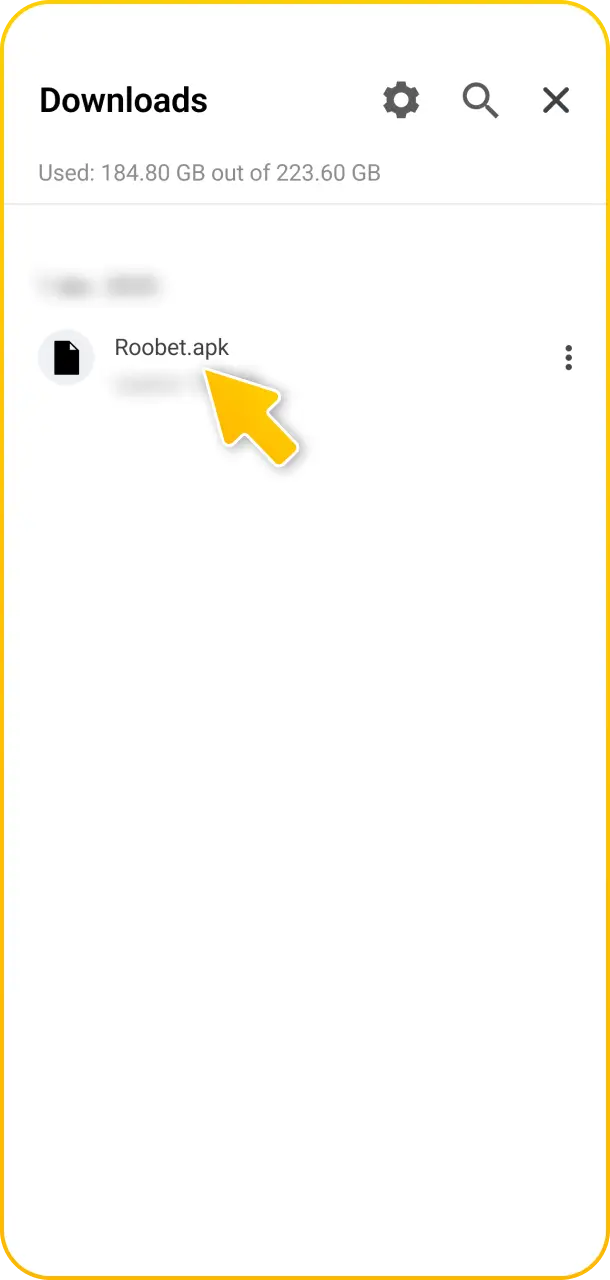
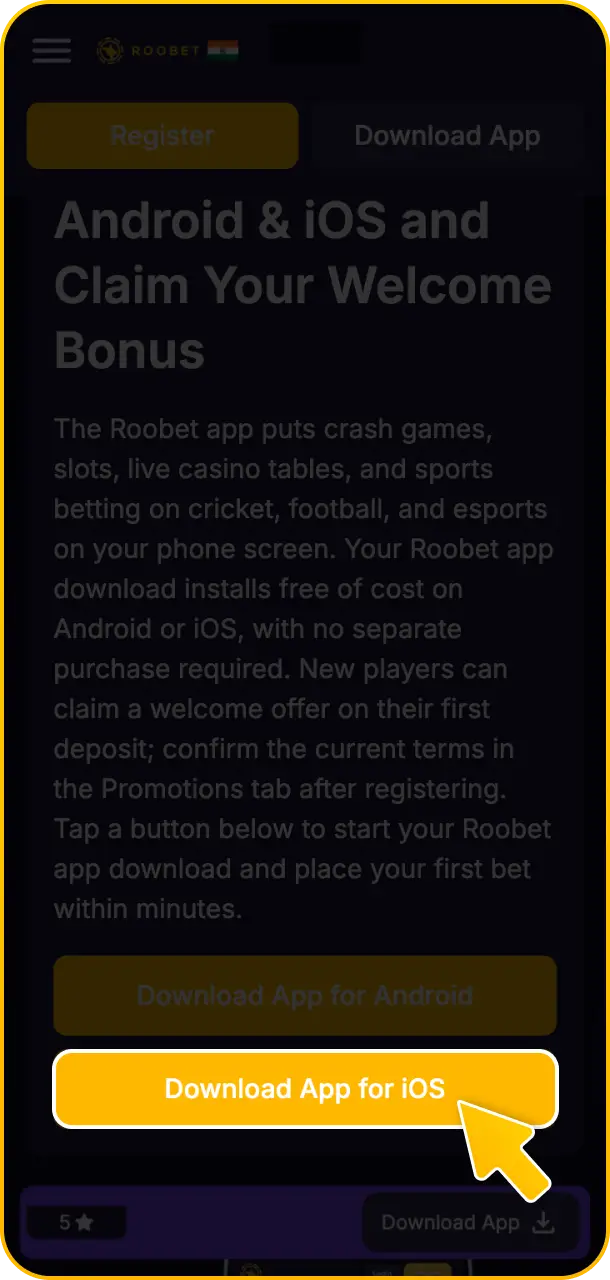
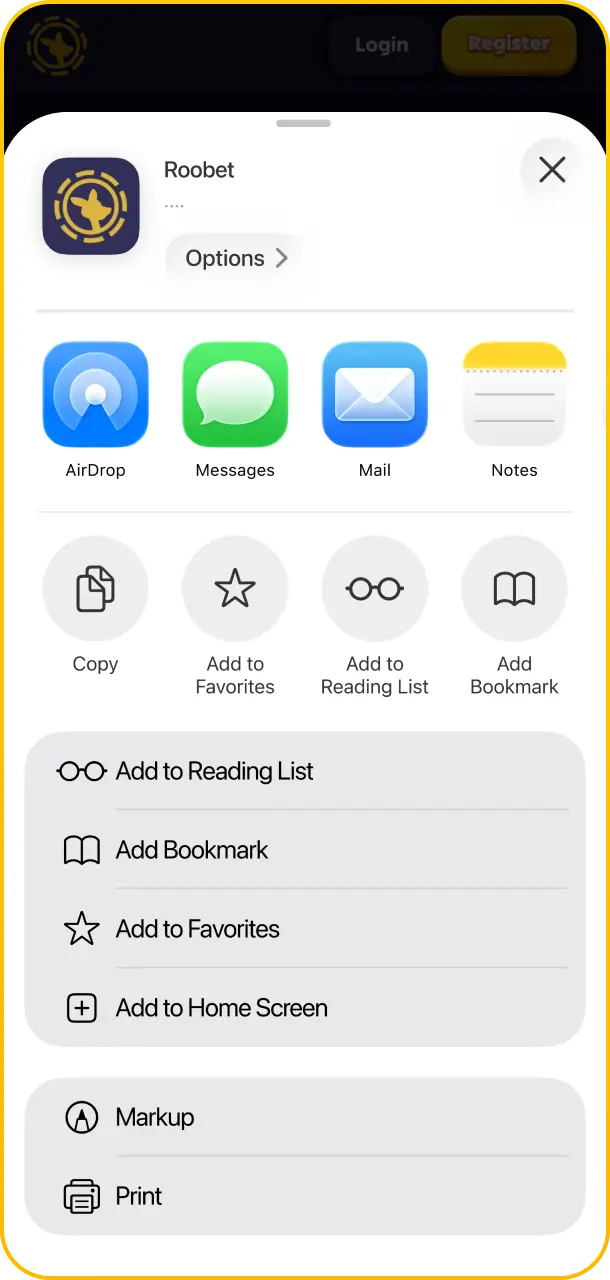
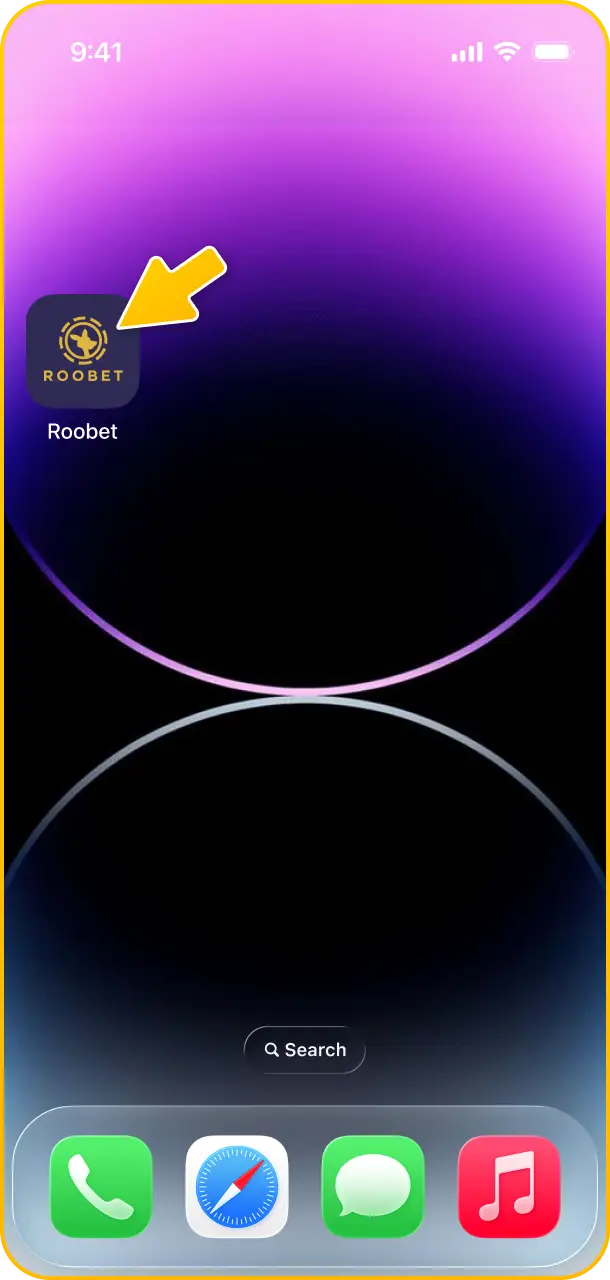
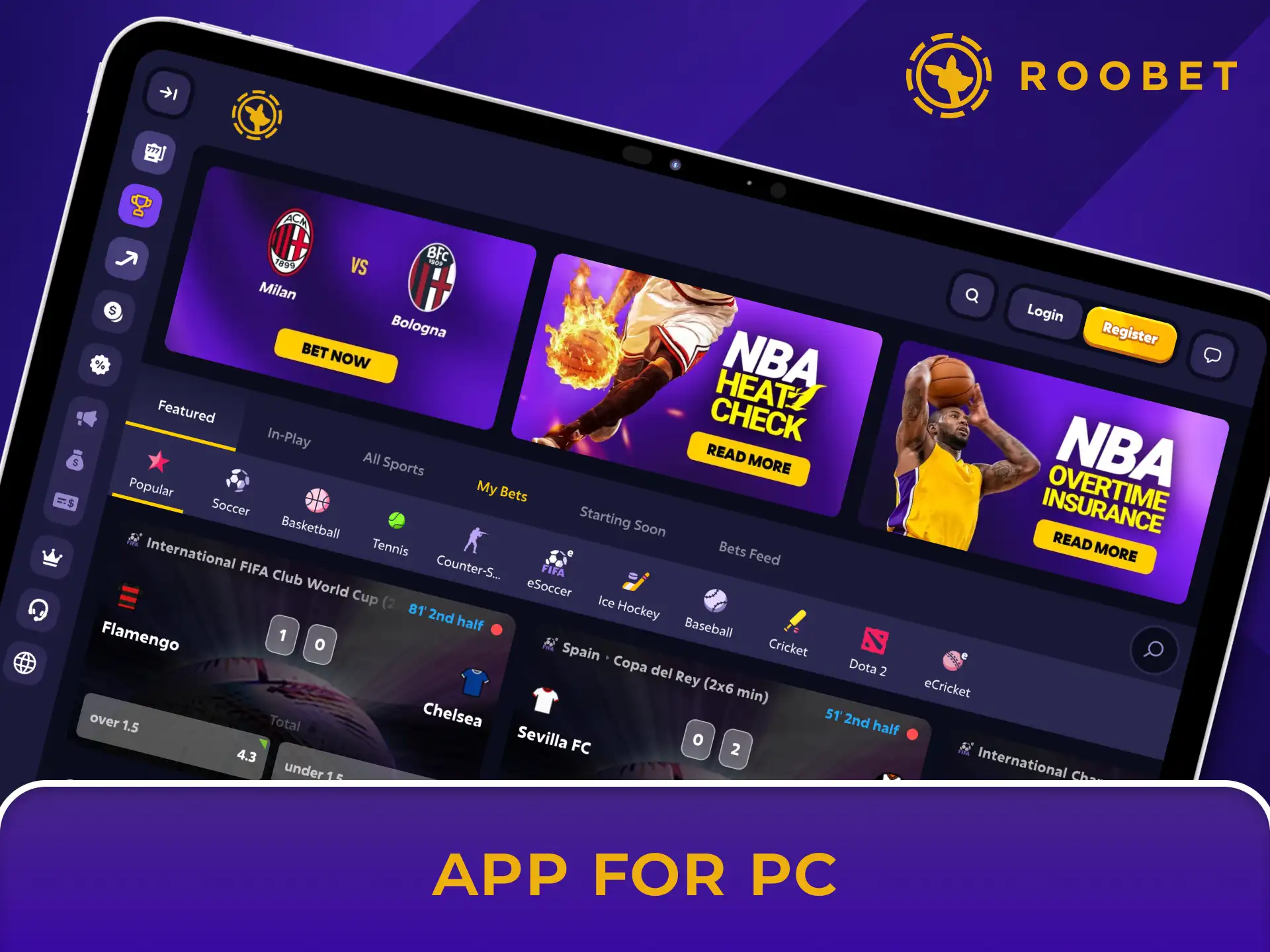
Roobet App for India: Official Mobile Version for Android & iOS

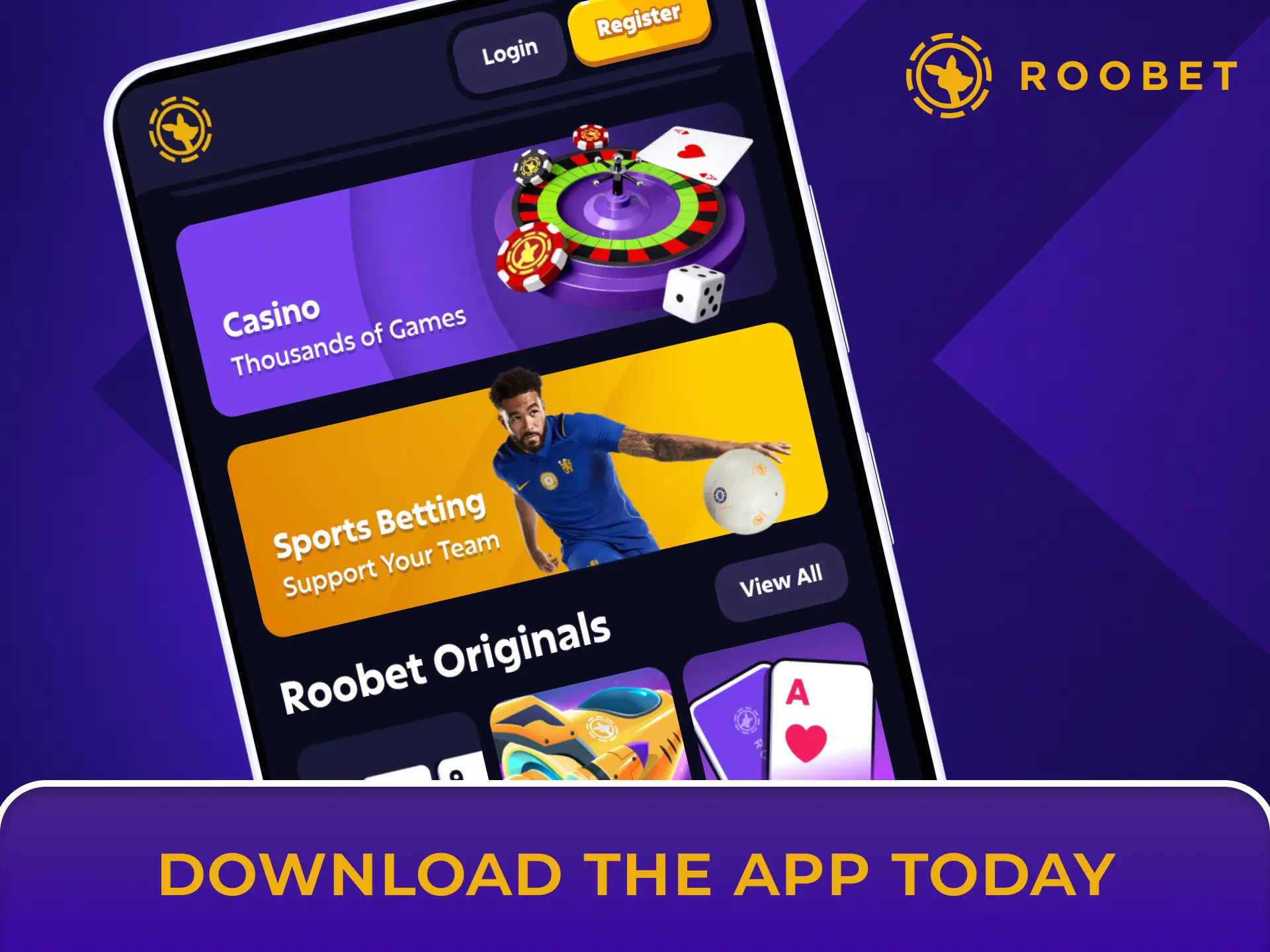
Roobet does not publish a separate app in Google Play or the App Store, and the official mobile version runs straight in the phone’s browser instead. Chrome on Android and Safari on iPhone open the same casino lobby, sportsbook and cashier as the desktop site, and a shortcut on the home screen turns the next visit into a single tap. Cricket, football and esports markets, Roobet Originals such as Crash and Mines, UPI deposits in rupees and Roowards rakeback are all available from the phone. The buttons below open Roobet on Android or iPhone.

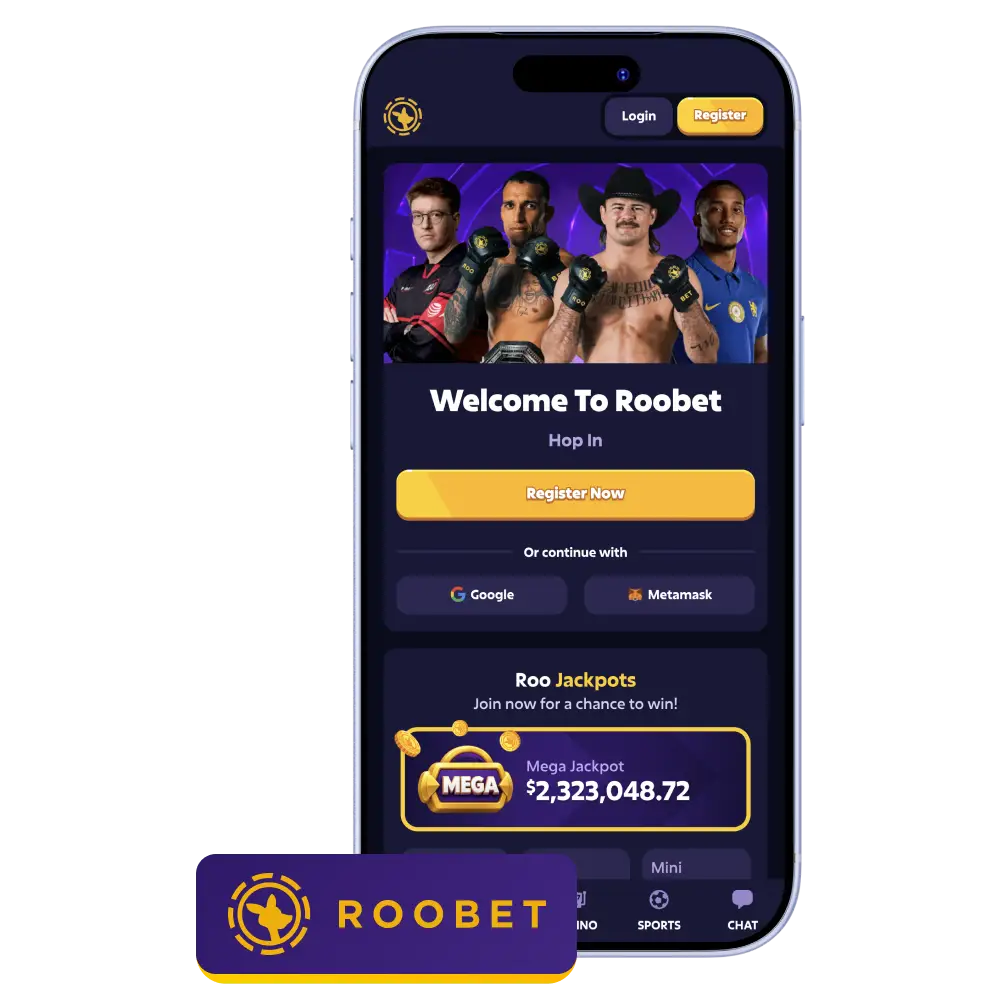
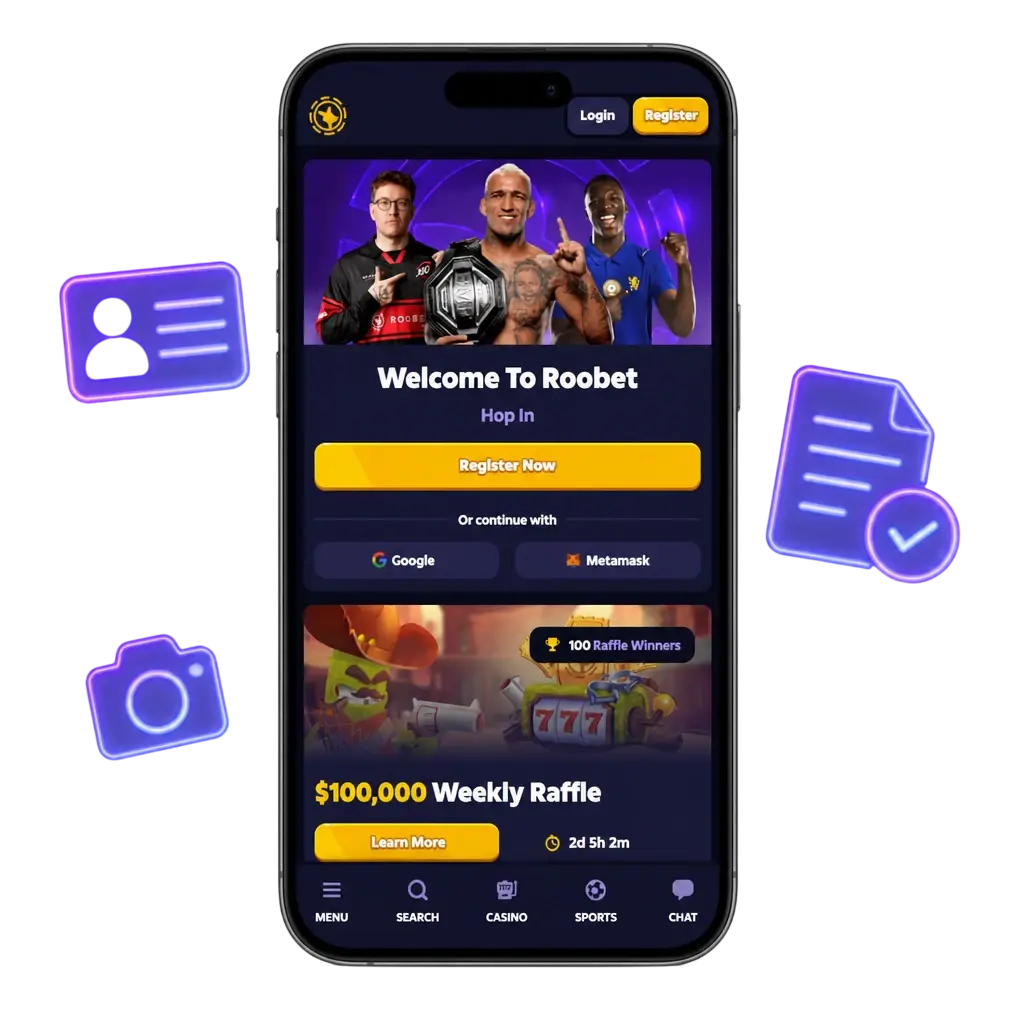
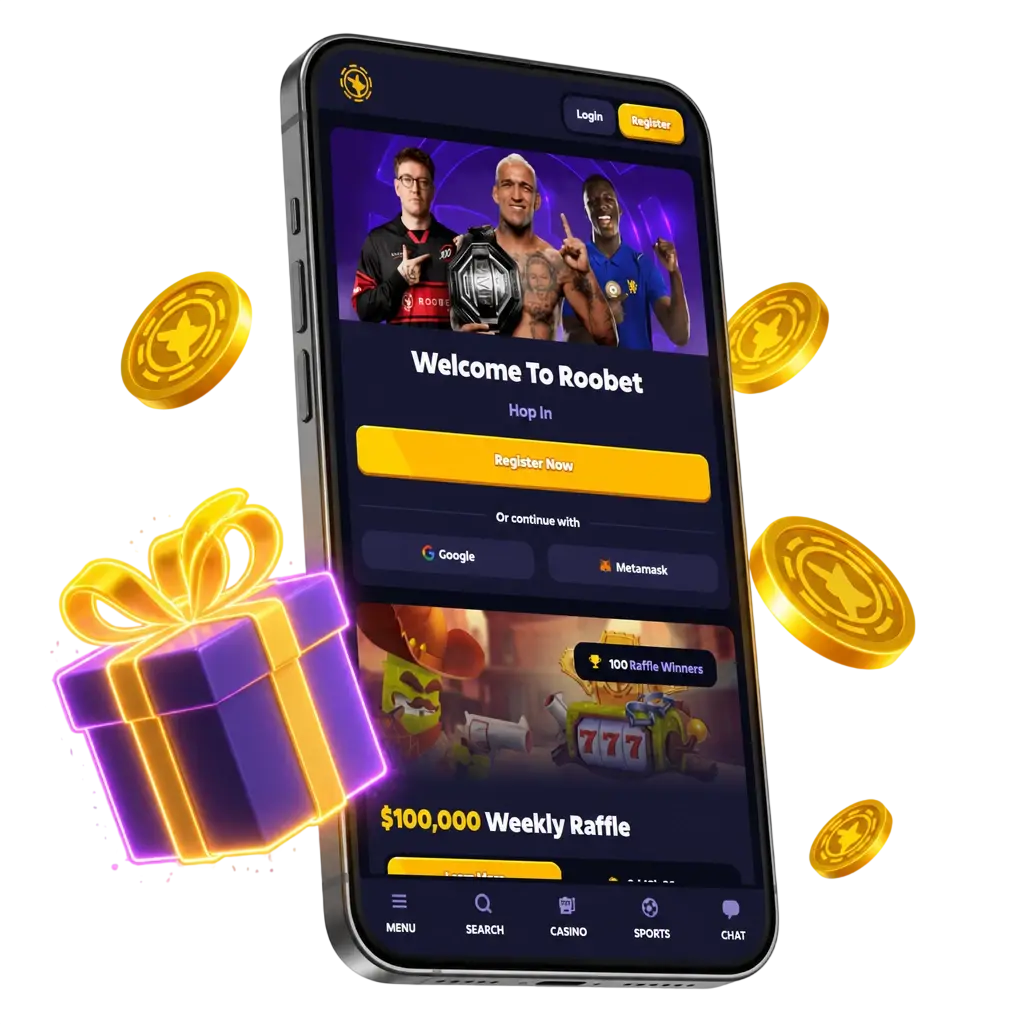
Roobet official mobile version for Android and iPhone running in the phone browser

Roobet Mobile at a Glance

This page explains how the Roobet official mobile site works on Android phones and iPhones, what it offers and how it differs from a store app. The table sums up the key facts.

Format Mobile website in Chrome, Safari and other browsers; no separate app in Google Play or the App Store
Operator Raw Entertainment B.V., Curaçao
License Curaçao license OGL/2024/687/0427
Devices Android and iOS phones and tablets, plus desktop browsers
Home Screen Shortcut Chrome: ⋮ menu, then Add to Home screen; Safari: Share, then Add to Home Screen
Cost Free to open; no store purchase
Casino 7,000+ games, Roobet Originals, 500+ live rooms
Sportsbook Cricket, soccer, tennis, basketball, esports and more, with Cash Out
Payments UPI deposits (INR), Visa, Mastercard and crypto; crypto and IMPS withdrawals
Rewards Roowards rakeback, Rain, RooSpins, $100,000 Weekly Raffle
Security Optional 2FA (Authy or Google Authenticator), identity checks before payouts
Customer Support 24/7 Live Support chat

Roobet Interface on a Phone

On a phone, Roobet keeps the layout of the desktop site and rearranges it for one-handed use. The casino lobby, sportsbook, cashier and chat sit a tap or two apart, so moving from a crash game like Aviator to cricket odds takes seconds.

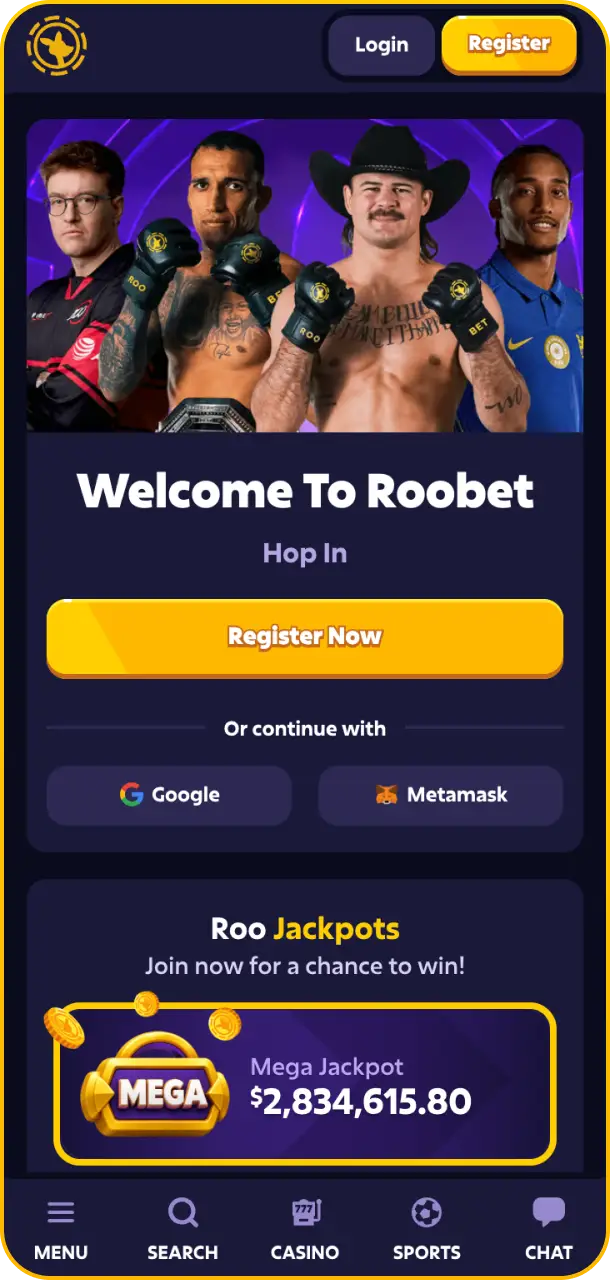
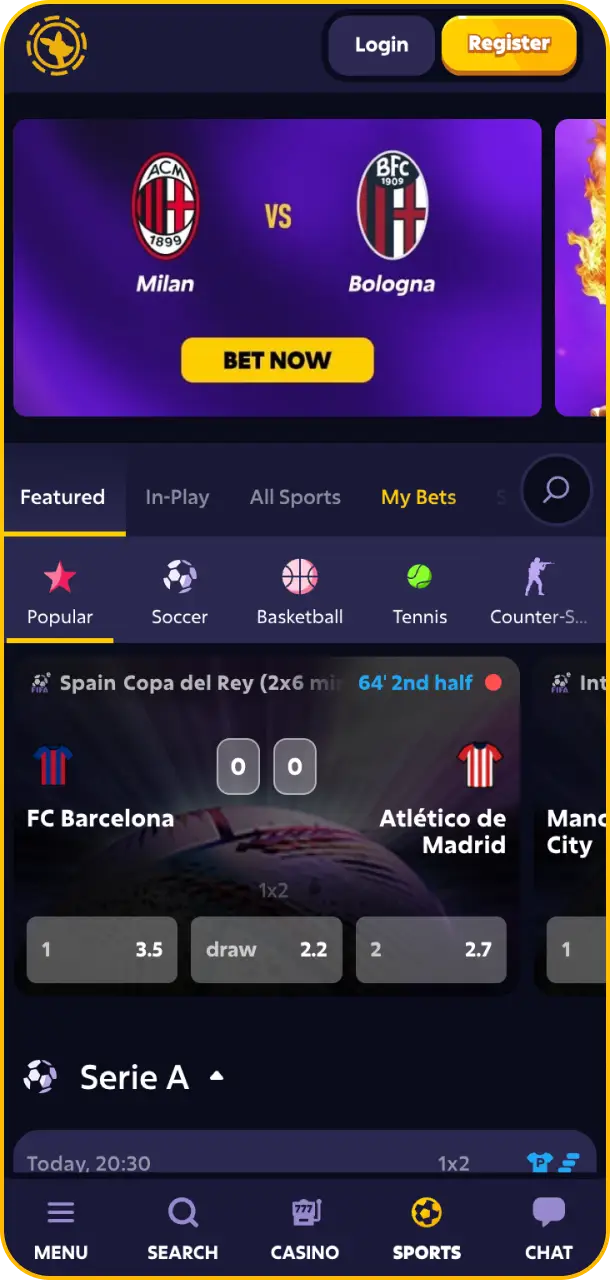
Roobet home screen in a mobile browser with the main menu and quick navigation
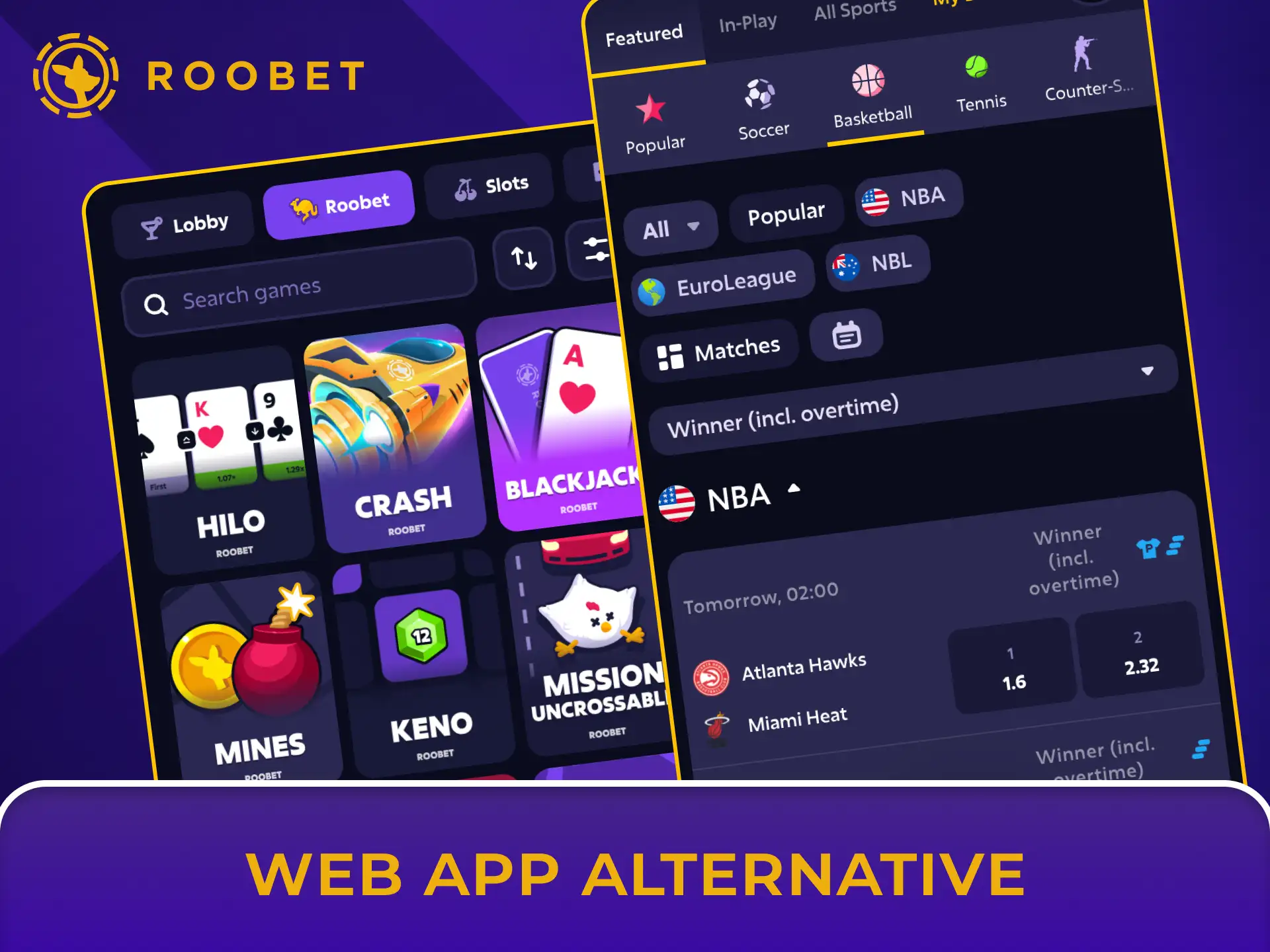
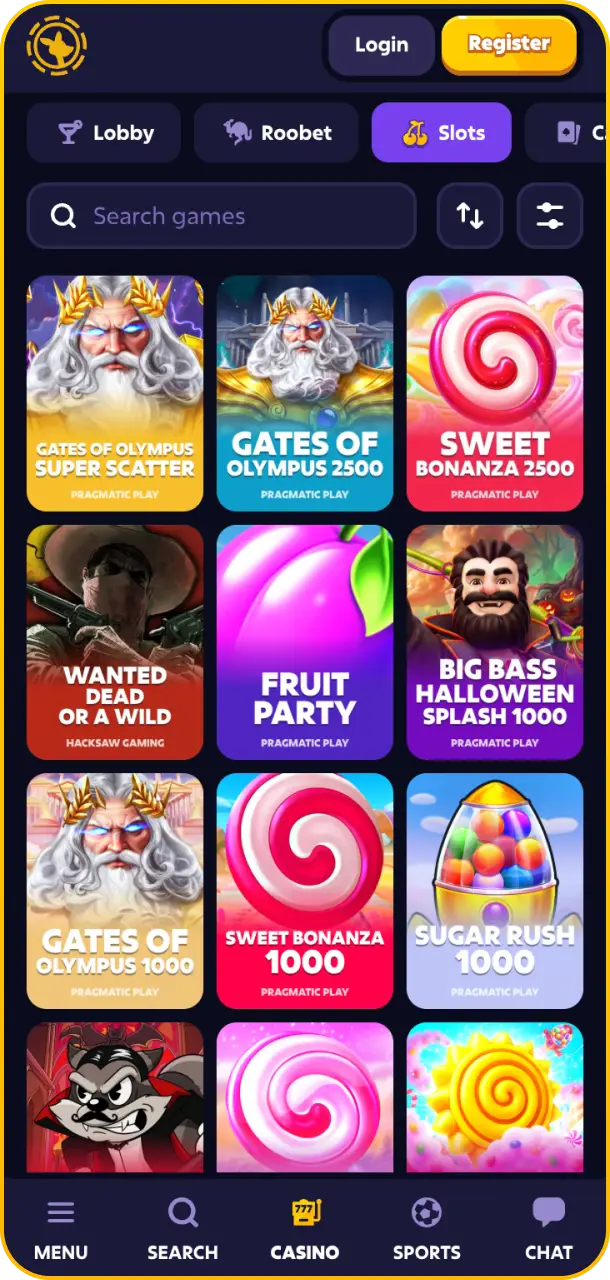
Roobet casino lobby on a phone screen with slots and Roobet Originals
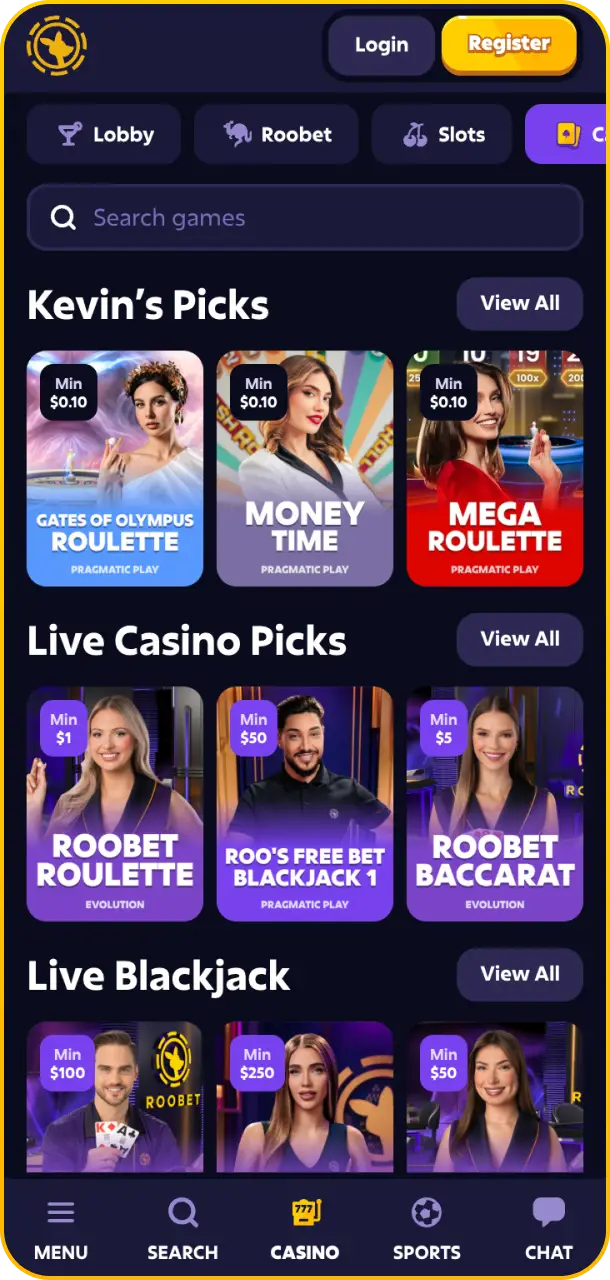
Live dealer tables from Evolution and Pragmatic Play on the Roobet mobile site
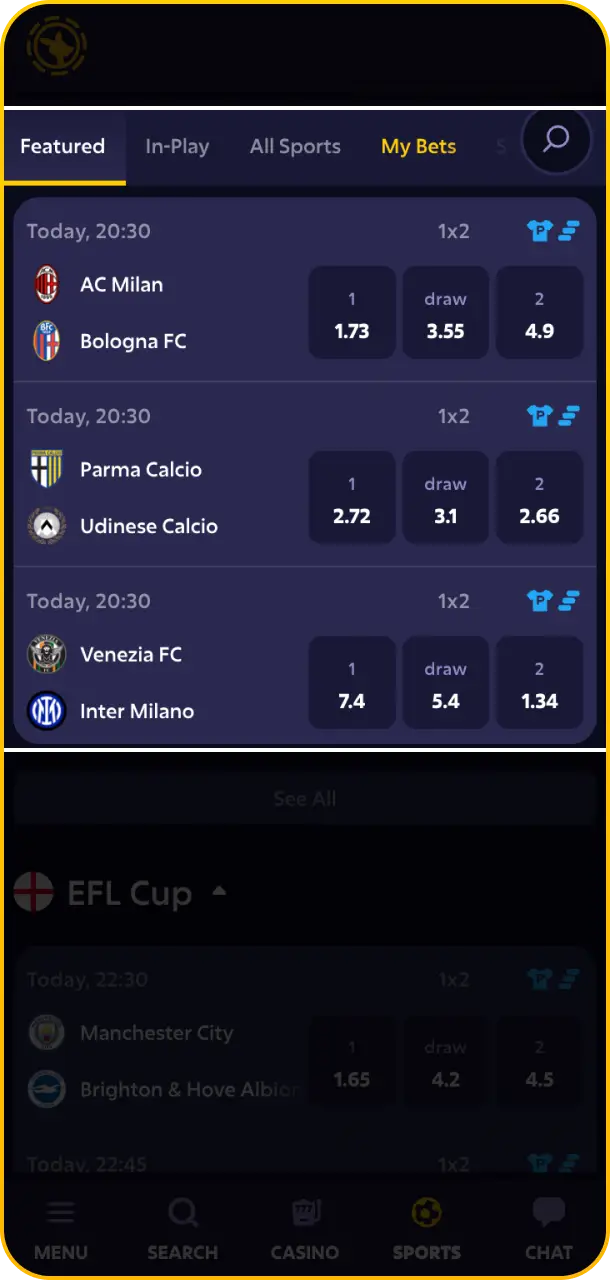
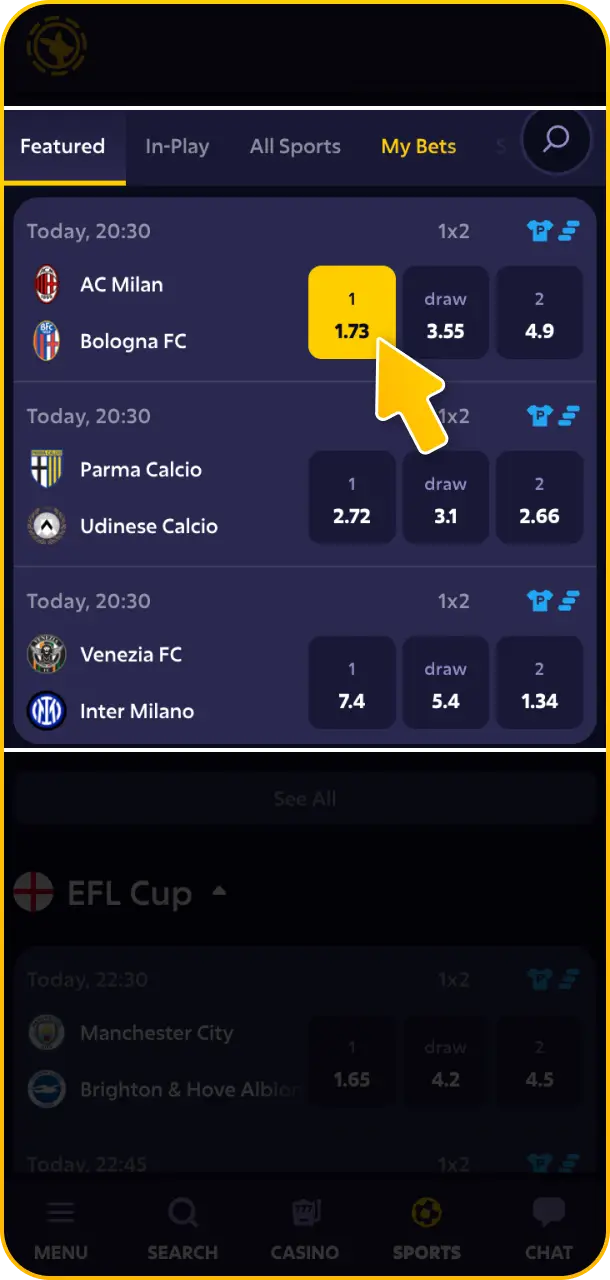
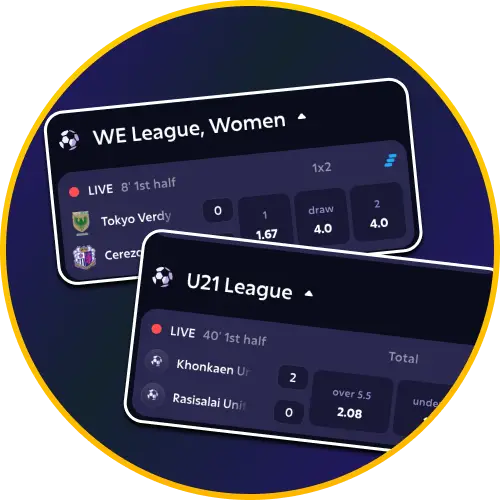
Roobet mobile sportsbook with cricket and football markets on a phone
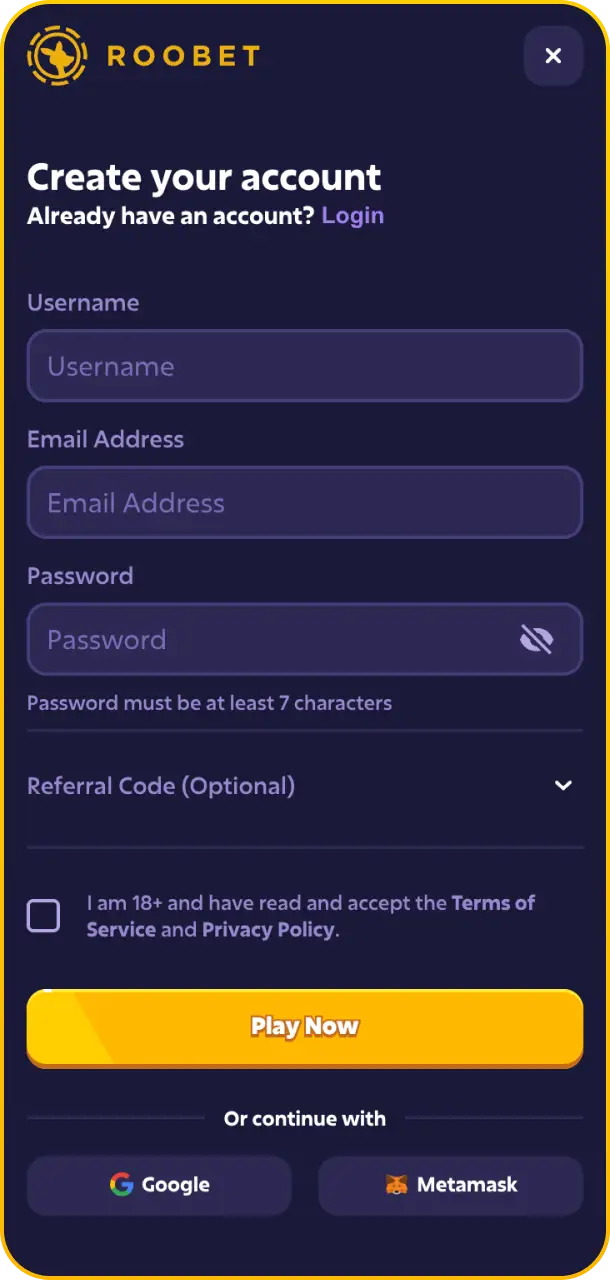
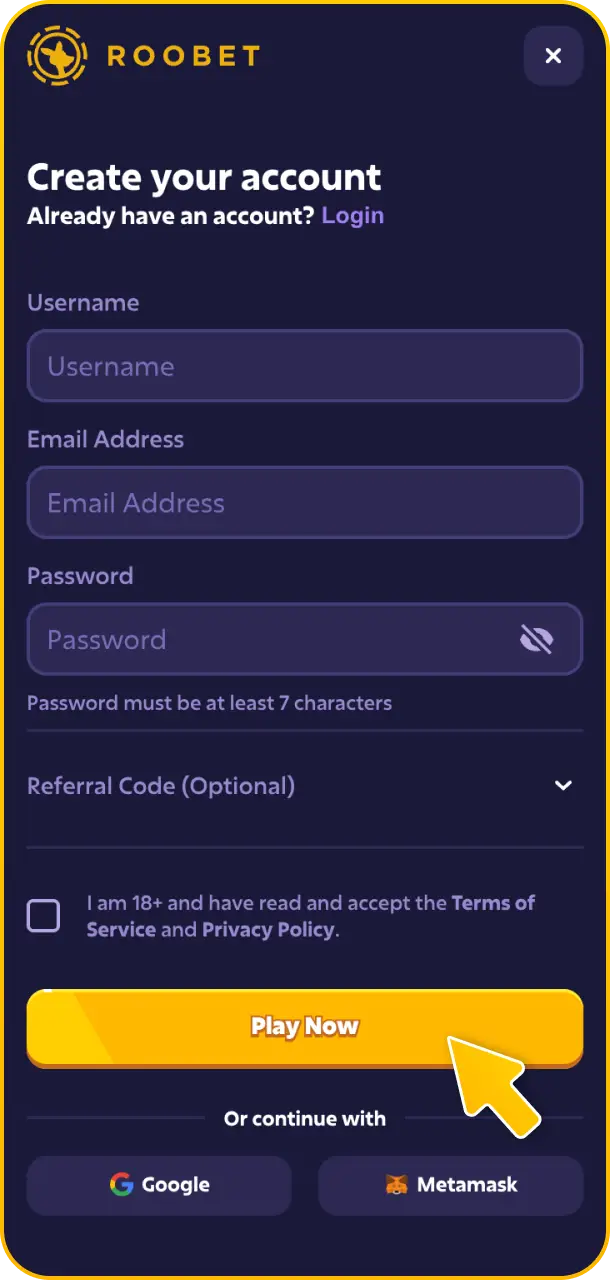
Roobet sign-up form on a smartphone with email and password fields

How to Open Roobet on Android in 3 Steps

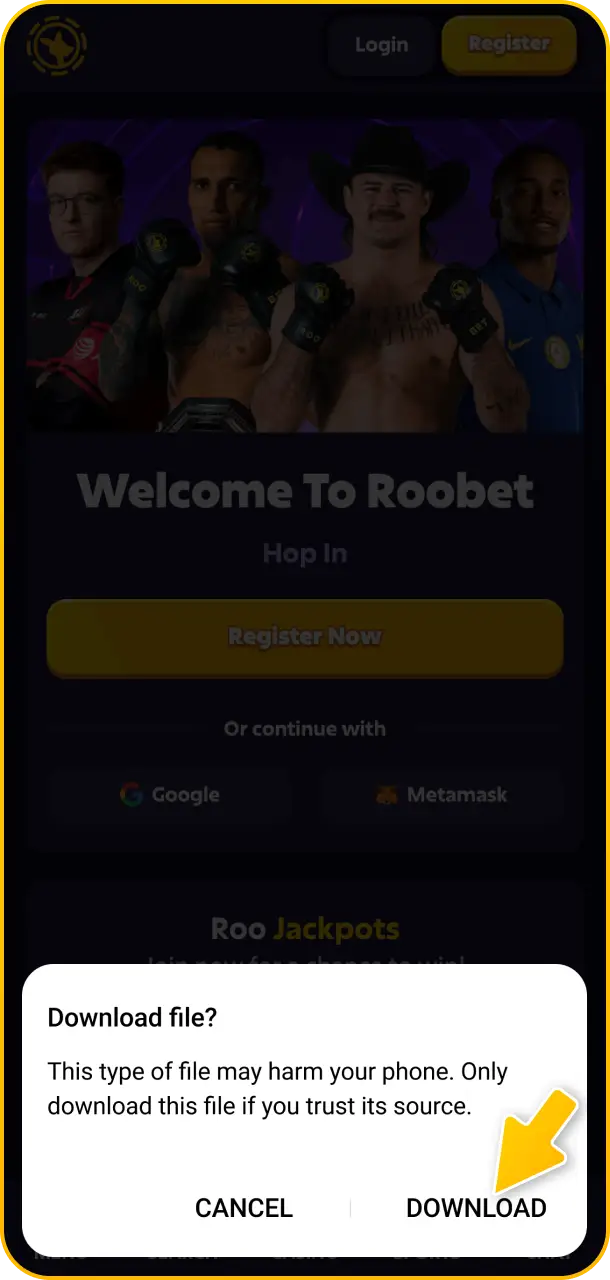
Android phones open Roobet in Chrome or any other browser, and a home screen shortcut takes under a minute to set up. No files or extra phone permissions are involved.

1

Open Roobet in Chrome

Opening the Roobet website in Chrome on an Android phone

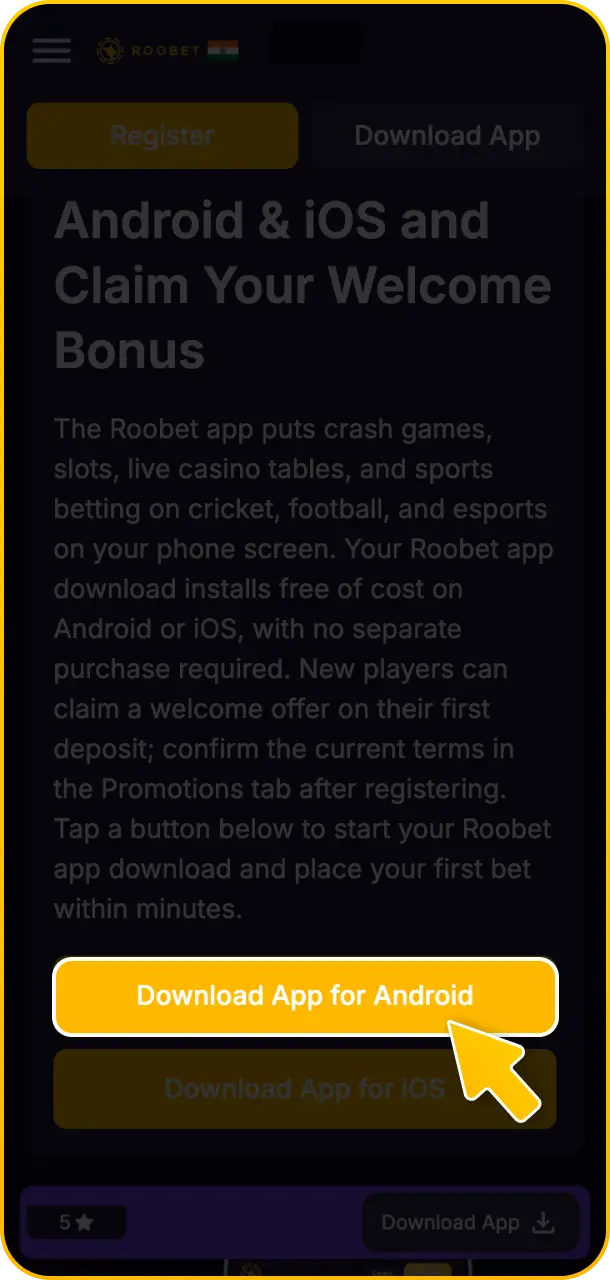
Tap the Android button on this page to load Roobet in Chrome.

2

Log In or Register

Logging in to the official Roobet website in Chrome on Android with email or Google

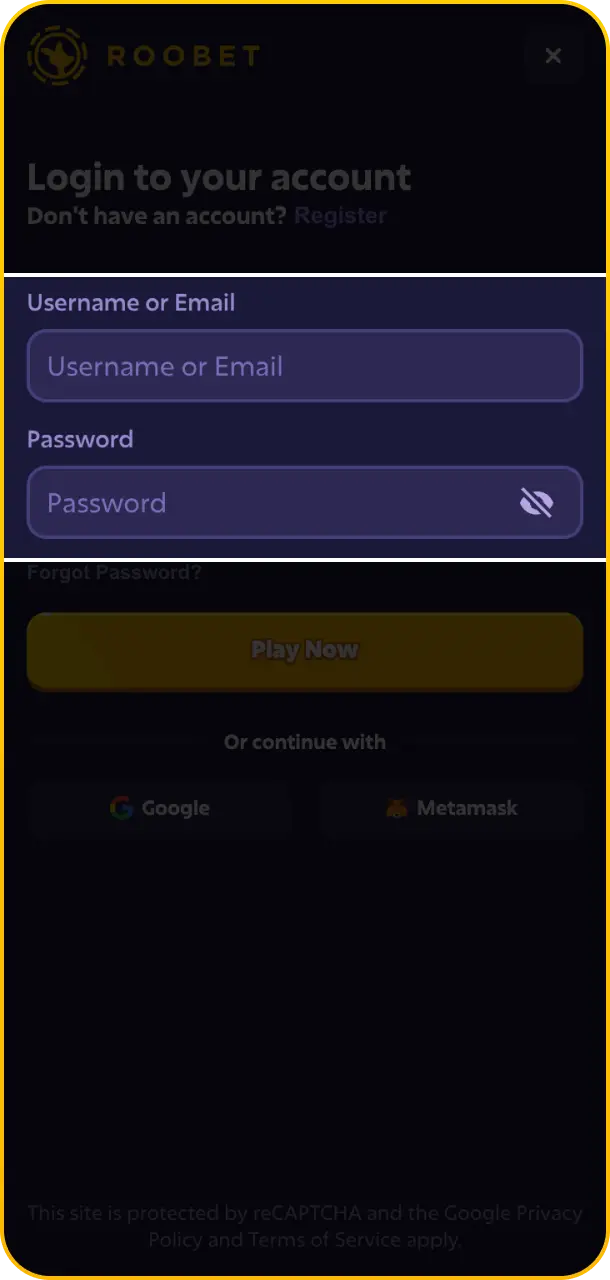
Sign in with an email and password or a Google account, or create a new account first.

3

Add to Home Screen

Adding Roobet to the Android home screen with Add to Home screen in the Chrome menu

Tap the ⋮ menu in the top corner of Chrome, choose Add to Home screen and confirm the shortcut name.

How to Open Roobet on iPhone in 3 Steps

On iPhone and iPad, Roobet runs in Safari. Apple’s browser can pin the site to the home screen, where it opens like any other icon.

1

Open Roobet in Safari

Opening Roobet in Safari on an iPhone

Tap the iPhone button on this page so the site loads in Safari.

2

Add to Home Screen

Adding Roobet to the iPhone home screen through the Safari Share menu

Tap the Share icon at the bottom of Safari, select Add to Home Screen and tap Add.

3

Launch and Log In

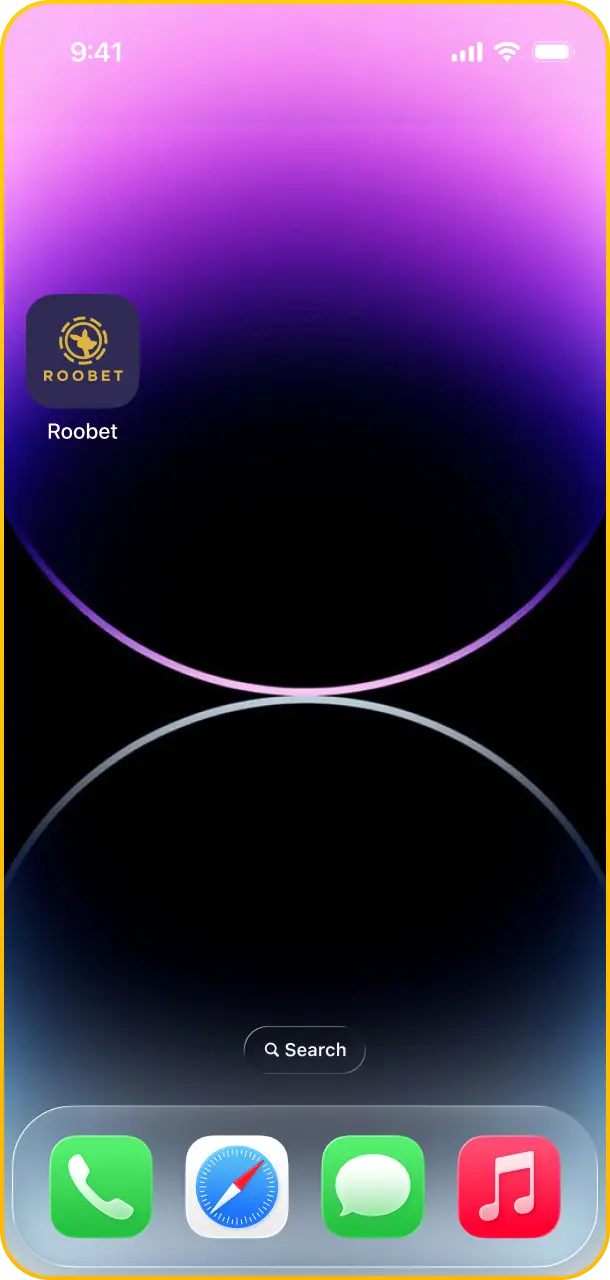
Roobet icon on the iPhone home screen opening the site for login

Open the new Roobet icon, sign in and head to the casino lobby or the sportsbook.

Roobet on a Computer

On Windows or Mac, Roobet runs in any modern browser, with the same casino games, sportsbook and cashier as on a phone. A larger screen suits players who follow several cricket or football leagues at once or keep a live dealer table open next to the chat. The same login works on every device, and the balance and bet history stay in sync.

Roobet in a desktop browser on Windows or Mac with the casino lobby and sportsbook

Creating a Roobet Account on a Phone

Signing up on a phone uses the same form as on desktop. The full Roobet registration guide covers verification and account rules in more detail.

1

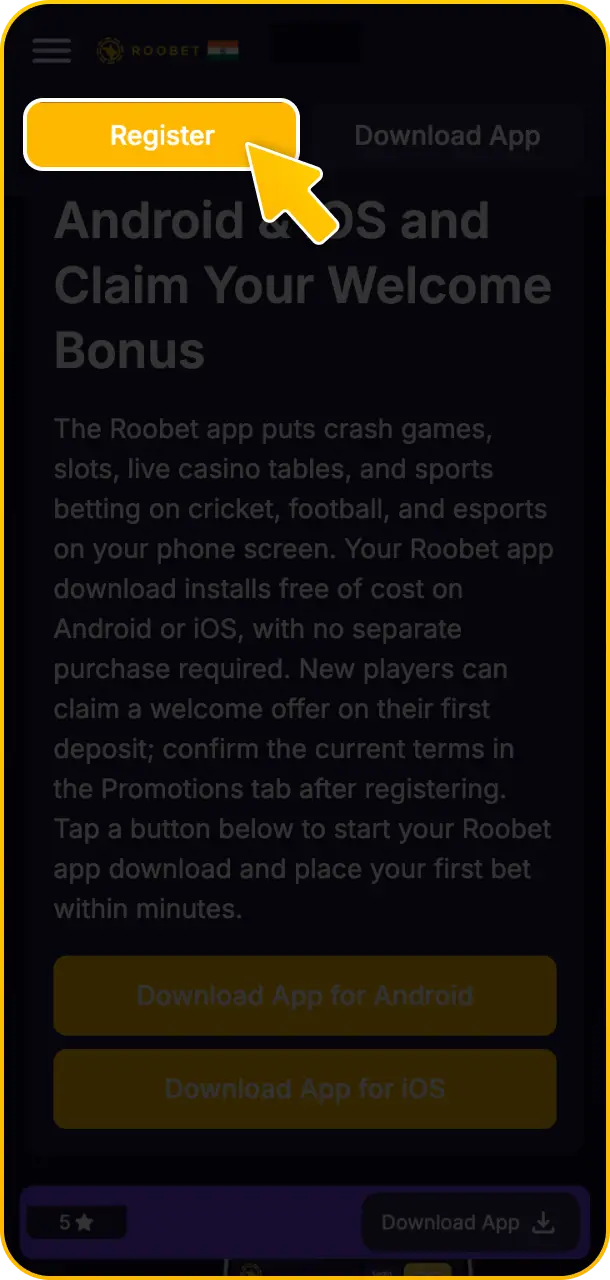
Tap Register

Tapping Register on the Roobet mobile site to open the sign-up form

Open Roobet in the mobile browser and tap Register.

2

Enter Email and Password

Entering an email and password on the Roobet mobile sign-up form, with Google as an option

Fill in an email address and a password, or continue with Google where that option appears.

3

Choose the Region and Accept the Terms

Choosing the region, confirming 18+ and accepting the terms during Roobet sign-up on a phone

Select the region, confirm an age of 18 or over and accept the terms of service.

4

Turn On 2FA

Linking Authy or Google Authenticator for 2FA in Roobet security settings on a phone

Optional: connect Authy or Google Authenticator under security so that each login asks for a code.

5

Make the First Deposit

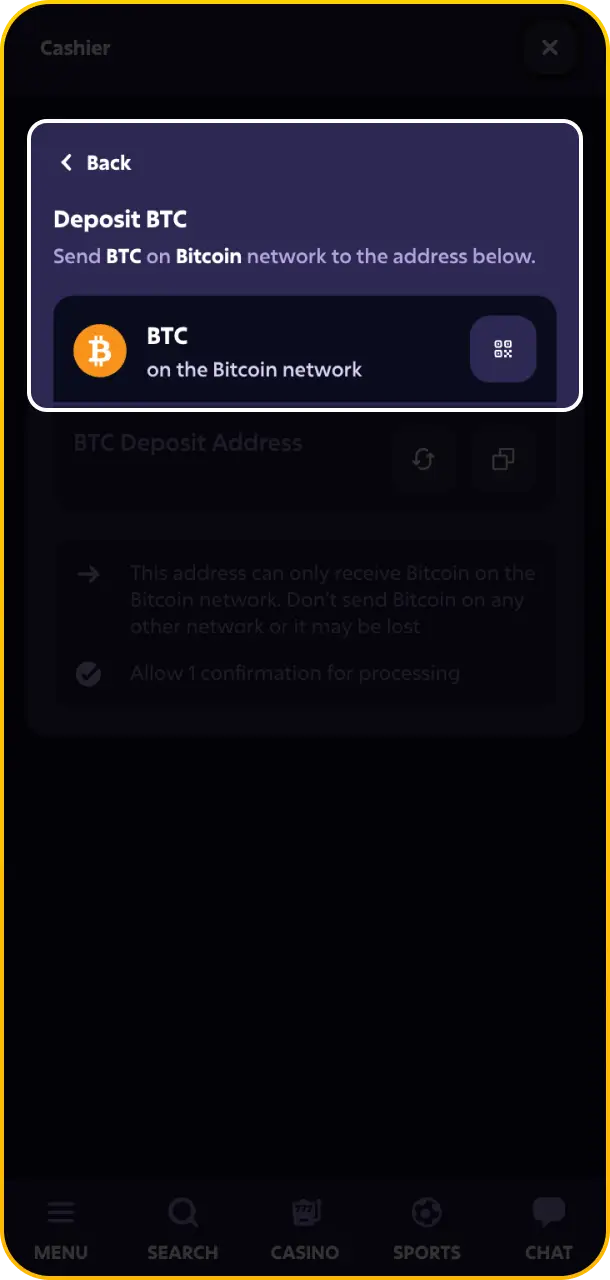
First deposit by UPI, card or crypto from the Roobet mobile cashier

Open Cash and pay by UPI, card or crypto to start playing.

Logging In on a Phone

Existing players log in on a phone with the same email and password or Google account they use on desktop.

1

Open Roobet

Tapping the Roobet shortcut on a phone home screen

Tap the Roobet shortcut on the home screen or open the site in the browser.

2

Tap Log In

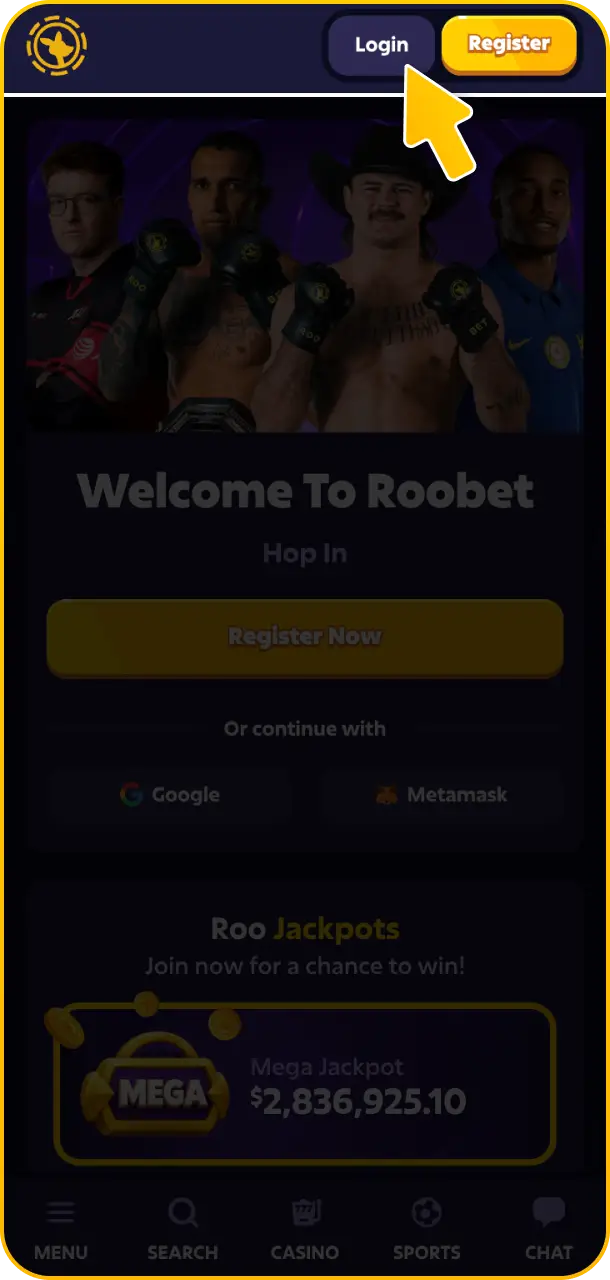
Log In button at the top of the Roobet mobile site

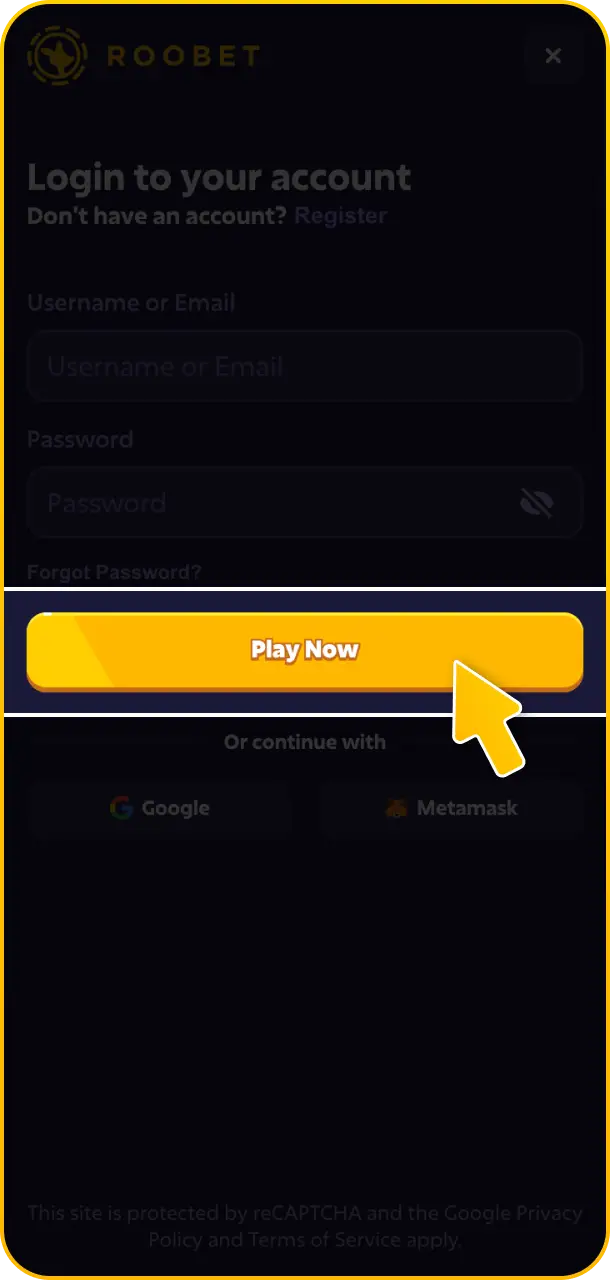
Select Log In at the top of the screen.

3

Enter Your Credentials

Typing an email and password or choosing Google on the Roobet mobile login form

Type the email and password, or choose Google.

4

Enter the 2FA Code

Entering a 2FA code from an authenticator app to finish a Roobet login on a phone

If 2FA is on, type the code from Authy or Google Authenticator to reach the account.

Verifying the Account from a Phone

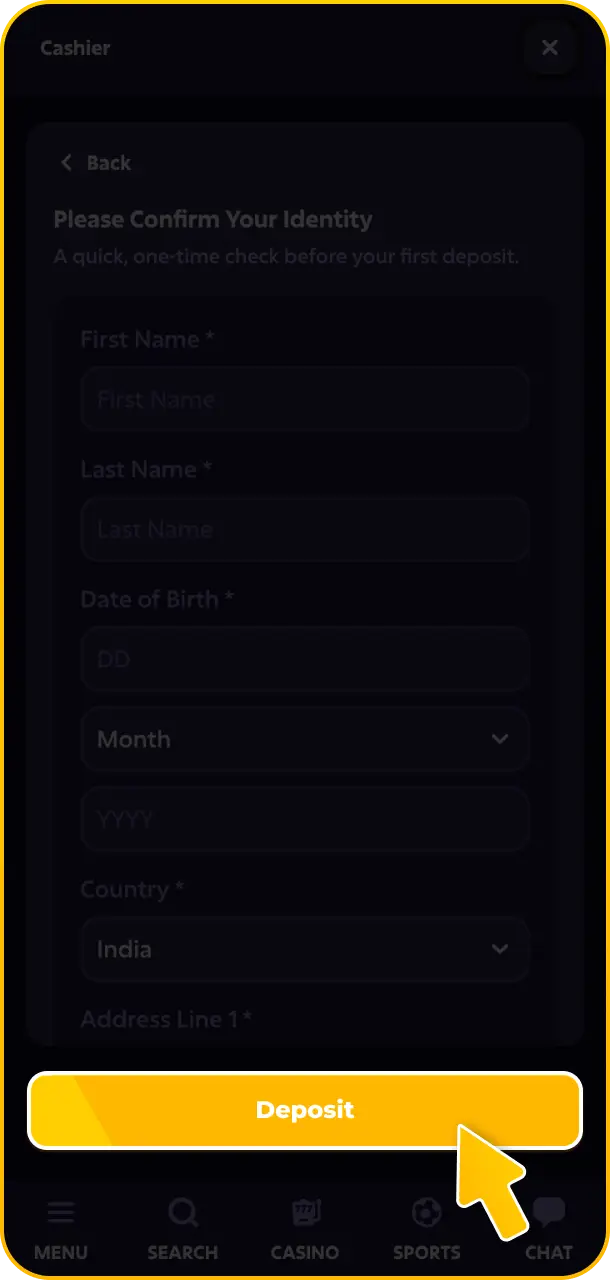
The Level 2 check can be done entirely from the phone: the camera captures both sides of a passport, driver’s license or government ID, and Roobet’s team reviews uploads by hand every day. For IMPS payouts in rupees, a PAN, Aadhaar or driver’s license number is added as well.

Uploading both sides of a passport or driver's license for Roobet Level 2 verification from a phone

How to Place a Bet on Roobet Mobile?

A bet from the phone takes a few taps once the balance is funded.

1

Pick a Market

Choosing a cricket or football match in the Roobet mobile sportsbook

Open the sportsbook and choose a cricket, football or esports match.

2

Choose Your Odds

Tapping the odds of a selection to add it to the Roobet mobile bet slip

Tap the odds for your selection to add it to the bet slip.

3

Enter Your Stake

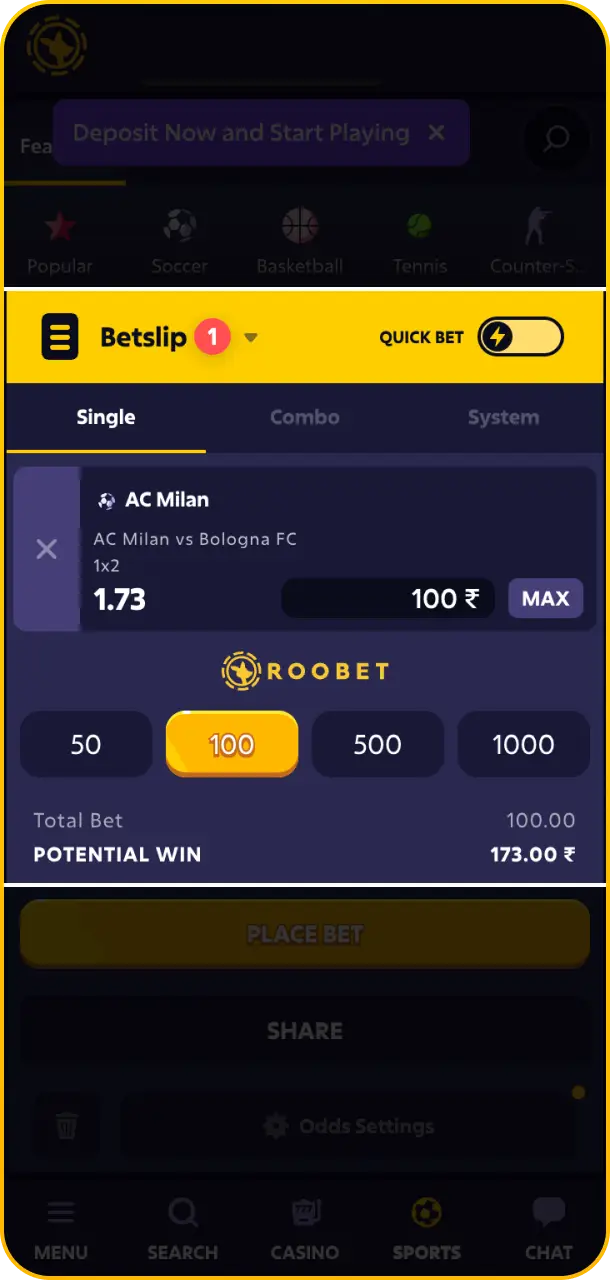
Typing a stake into the bet slip on the Roobet mobile site

Type your wager amount directly in the bet slip.

4

Confirm the Bet

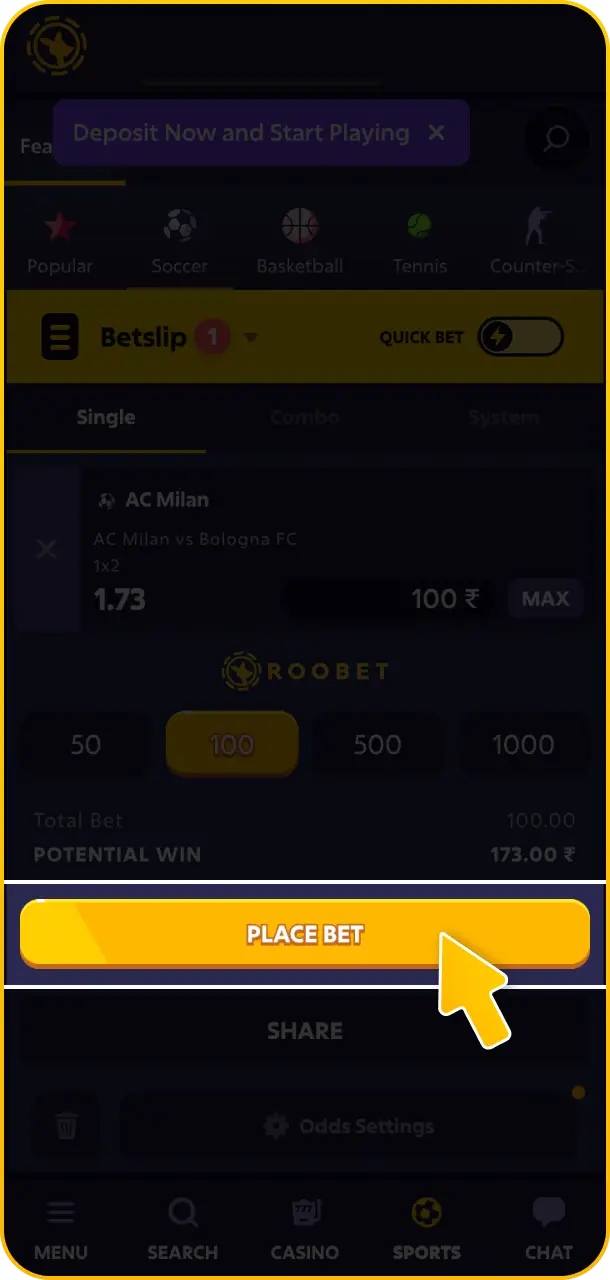
Placing a bet on a phone and seeing Cash Out on eligible Roobet selections

Tap Place Bet and follow the bet in the list of open bets, where Cash Out appears on eligible selections.

Roobet Rewards on Mobile

Every promotion on the Roobet bonuses page works the same way on a phone. Roowards rakeback can be claimed from the mobile menu: instant rakeback every 30 minutes, plus daily, weekly and monthly payouts, and new accounts get +10% on Instant Rakeback for their first 24 hours. Rain drops land in the chat, and RooSpins, the $100,000 Weekly Raffle and promo codes entered under Redeem a Promo all sit in the same account.

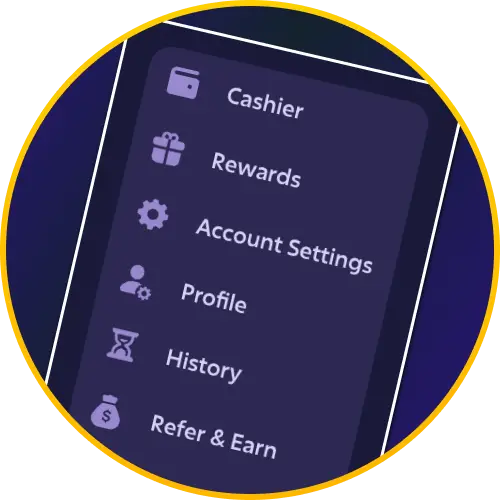
Roowards rakeback, Rain and the Weekly Raffle in the Roobet menu on a phone

Roobet Features on Mobile

The mobile site carries the whole Roobet product: the casino with Roobet Originals and live dealer rooms, the sportsbook with in-play markets, the cashier and the chat. One balance covers casino and sports, so funds never need to be moved between sections.

In-play cricket and football markets with Cash Out on the Roobet mobile sportsbook

Live Betting

In-play markets cover cricket, soccer, tennis, basketball and esports such as Counter-Strike, with prices that move as the match unfolds. Cash Out settles an eligible bet before the final result, Event Bet Builder combines markets from one match, and Quick Bet speeds up singles. Video of the match is offered only for occasional events, so the live score beside the market does most of the work.

Slots, Roobet Originals and live dealer games on a phone screen

Casino Games

More than 7,000 games fit the small screen, from slots by Pragmatic Play, Hacksaw Gaming and Play’n GO to Roobet Originals such as Crash, Mines, Towers and Mission Uncrossable. Live dealer tables from Evolution and Pragmatic Play stream to the phone, and some titles can be tried in fun mode first.

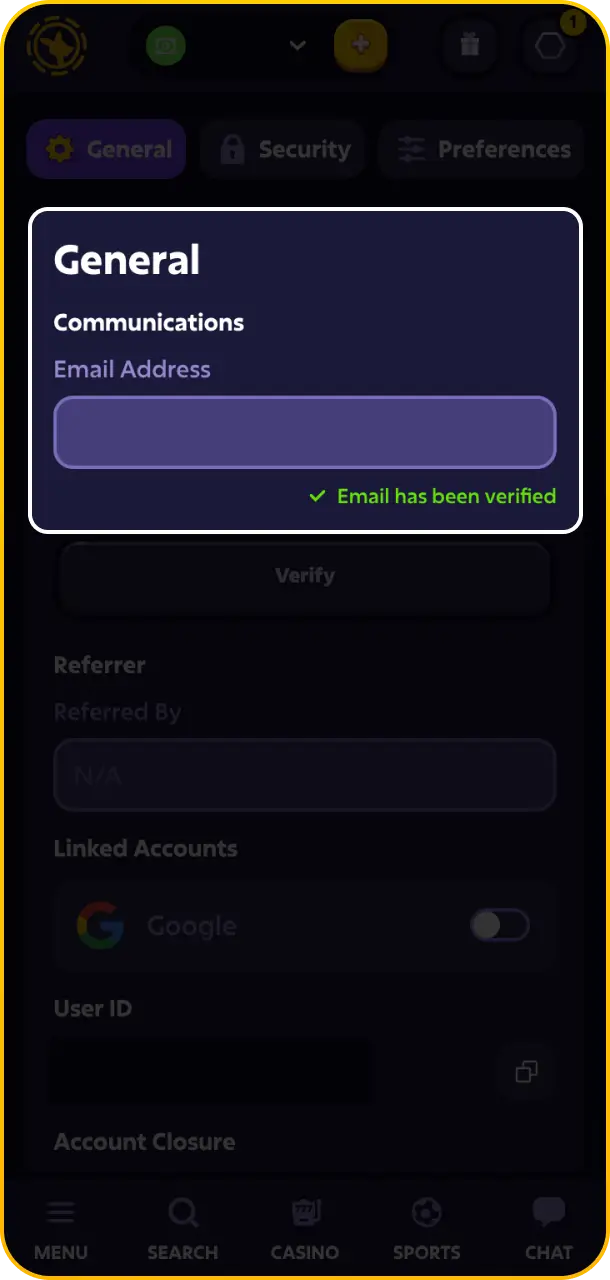
Roobet account settings on mobile with the balance, Gambling Limits and 2FA

Account and Security

The profile shows the balance, transaction history and Roowards level in one place. Gambling Limits, the 24-hour time-out and self-exclusion live in the account settings, and 2FA with Authy or Google Authenticator can be switched on from the security section.

Roobet chat on a phone with a Rain giveaway for active players

Chat and Rain

The site chat stays open on mobile, and Rain drops are shared there among players who wagered $250 or more in the previous 48 hours. Players can also start a Rain of their own for others in the chat, and 24/7 Live Support opens from the same screen.

Payments on Mobile: UPI, Cards, Crypto and IMPS

The mobile cashier mirrors the desktop one. Rupee deposits by UPI are paid in the Paytm, Google Pay or PhonePe app and normally land within the hour. Cards, e-wallets and crypto are listed alongside, while payouts go to a crypto wallet or to an Indian bank account by IMPS, never back through UPI.

Method Deposit Withdrawal Good to Know
UPI (Paytm, Google Pay, PhonePe) Yes, INR No Up to 1 hour; up to 6 hours during delays
IMPS bank transfer No Yes, INR IFSC code, account number, PAN, driver’s license or Aadhaar
Visa / Mastercard Yes, $10–$5,000 Yes, from $15 A card withdrawal fee may apply, shown in the cashier
Neteller, AstroPay Yes Shown in the cashier Availability shown in the cashier
Crypto (BTC, ETH, USDT and eight more coins) Yes Yes Network fee only; no Roobet fee

Roobet Mobile Security

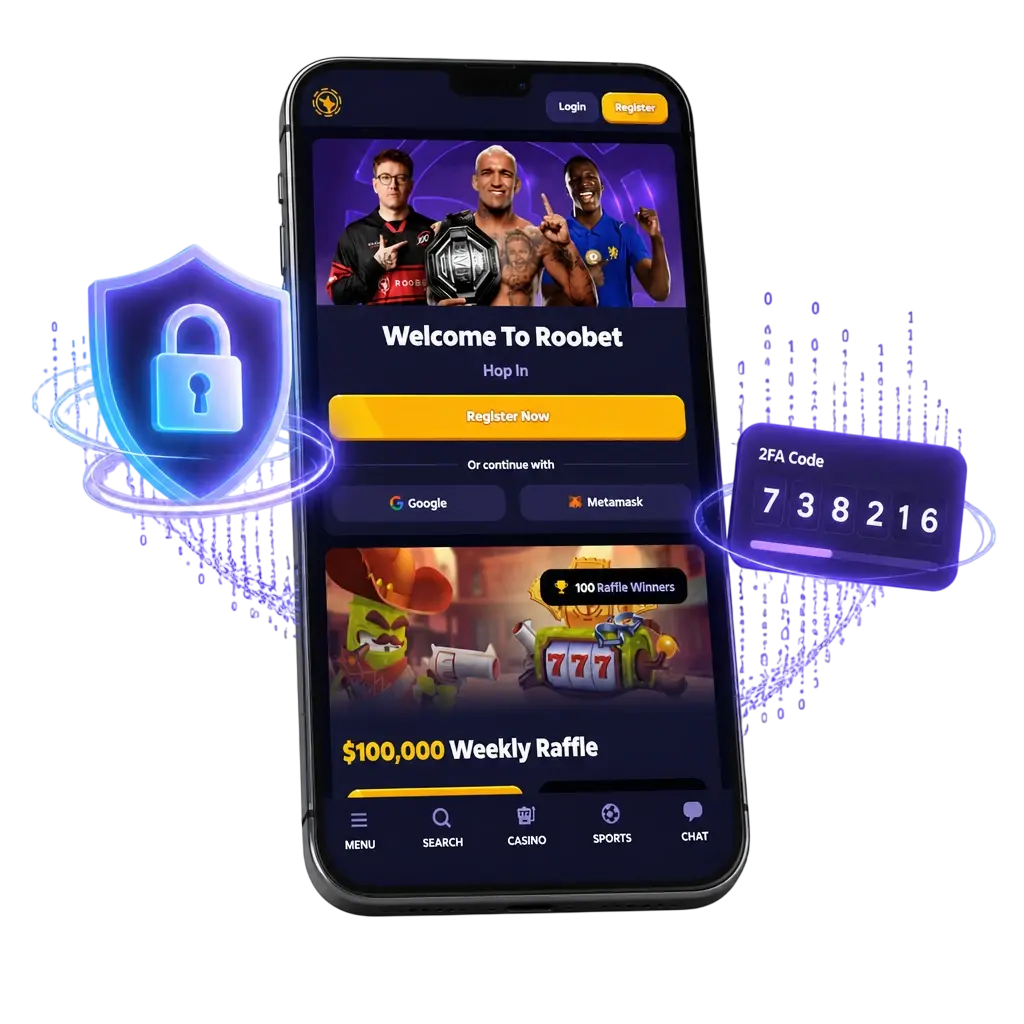
The mobile site uses the same encrypted connection as the desktop site, so login details and payment data are protected in transit. Two-factor authentication with Authy or Google Authenticator adds a code that changes every 30 seconds to each login, and Roobet may check identity documents before payouts. A browser shortcut needs no extra phone permissions, and a logout after each session keeps a shared phone safe.

Roobet mobile security: encrypted connection, 2FA with an authenticator app and ID checks before payouts

Responsible Gambling Tools on Mobile

Limits and breaks are set from the phone in the same menu as on desktop: Gambling Limits for wagers, losses or deposits (daily, weekly or monthly), a 24-hour time-out, and self-exclusion from one day to permanent, which begins after a 24-hour cooldown. Roobet supports players through its Roo Responsibility program, and in India Tele-MANAS (14416, available 24/7) offers free, confidential support.

Why Players Use Roobet on Mobile

Phone players stick with the mobile site for practical reasons:

  • Nothing to take from an app store, since the site opens in Chrome or Safari;
  • One account and one balance for casino and sports on every device;
  • UPI deposits in rupees and IMPS payouts from the mobile cashier;
  • Crash, Mines and other Roobet Originals built for quick rounds;
  • Roowards rakeback, Rain and the Weekly Raffle in the same menu;
  • Optional 2FA and 24/7 Live Support chat.
Reasons to use Roobet on a phone: one balance, UPI deposits, Roobet Originals and Live Support

Start Playing Roobet on Your Phone

Roobet’s mobile site brings the casino lobby, cricket and football markets, the cashier and Roowards to any Android phone or iPhone, with nothing to take from a store. Open the site with the button below, sign in or register, and pin it to the home screen for quicker visits next time.

Playing Roobet on an Android phone or iPhone straight from the browser

FAQ

Does Roobet have an official app for Android or iPhone?

No separate app is listed in Google Play or the App Store, and the official Roobet website does not offer one. The site itself runs in mobile browsers on Android and iOS, and a home screen shortcut can be added from the browser menu.

Is the mobile site the same as the desktop site?

Yes. The casino, sportsbook, cashier, Roowards and chat are the same, and one account and balance work on every device.

Can players in India deposit with UPI on mobile?

Yes. UPI deposits in rupees through Paytm, Google Pay or PhonePe are available in the mobile cashier and usually arrive within an hour. UPI is for deposits only; withdrawals go out in crypto or by IMPS.

Is Roobet available to players in India?

Sign-up is open from India, as the country is missing from Roobet’s restricted list. The license, OGL/2024/687/0427, is a Curaçao one rather than an Indian one, so local laws are for each player to check.

How is a Roobet account protected on a phone?

Two-factor authentication with Authy or Google Authenticator can be switched on in the security settings, and identity checks apply before payouts. A strong password and a logout on shared phones add further protection.

Updated: