
Log In to Your Roobet Account in India
Signing in to a Roobet account takes a few seconds on a computer or in a phone browser. Players use the email and password or the Google account they chose at registration, and accounts with 2FA add a code from an authenticator app. After login, the sportsbook for cricket, football and esports, the casino lobby with Roobet Originals such as Crash and Mines, Roowards rakeback and the cashier history are all one tap away.
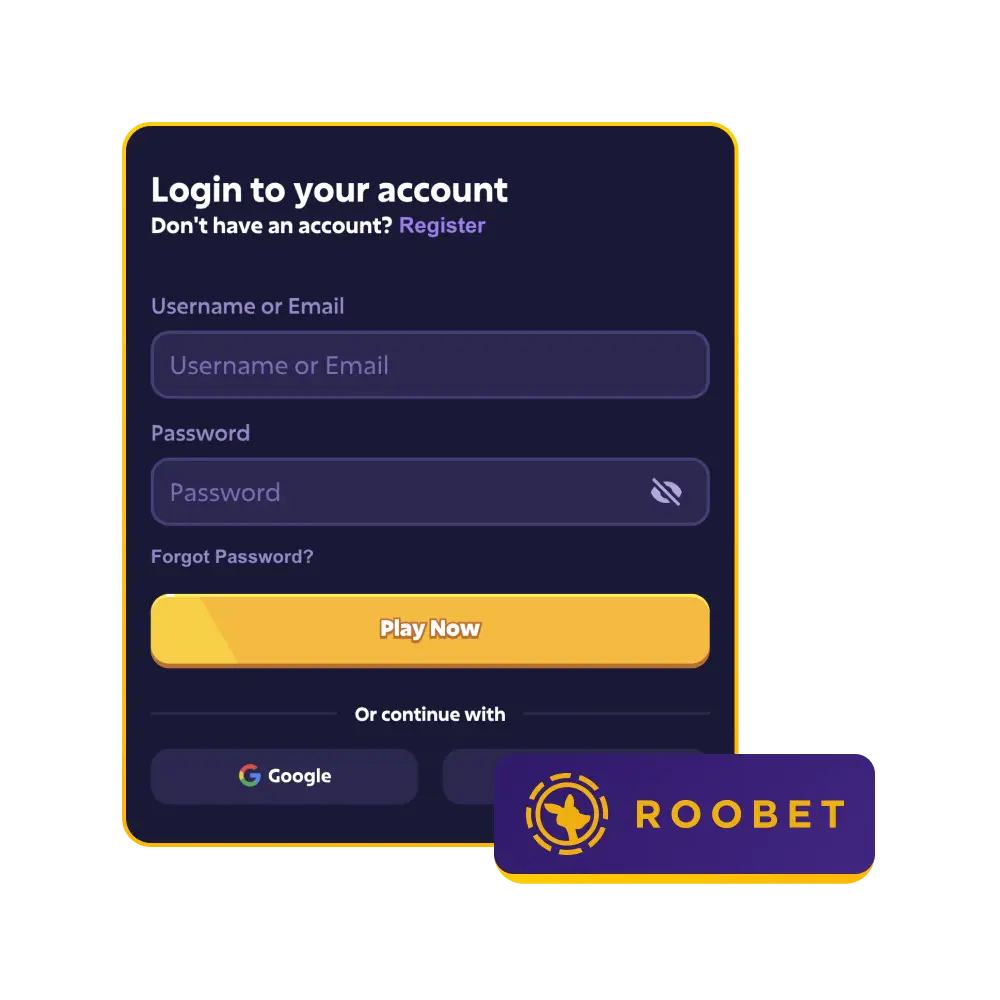
Roobet Account Login Options in India
Roobet offers two ways to sign in, and both work the same in desktop and mobile browsers. Most players use the email and password set at sign-up: open the login form, enter both and pass the 2FA step if it is switched on. In supported countries, a Google account can stand in for the email and password.
Two-Factor Authentication (2FA)
Two-factor authentication adds a second step to every Roobet login. It is optional but recommended, and it is set up in the security settings on the official Roobet website.
- Add Authy or Google Authenticator to the phone.
- Open the security settings and link the authenticator to the Roobet account.
- Enter the code the authenticator shows; it changes every 30 seconds.
- Never share the code with anyone, including people who claim to be support staff.
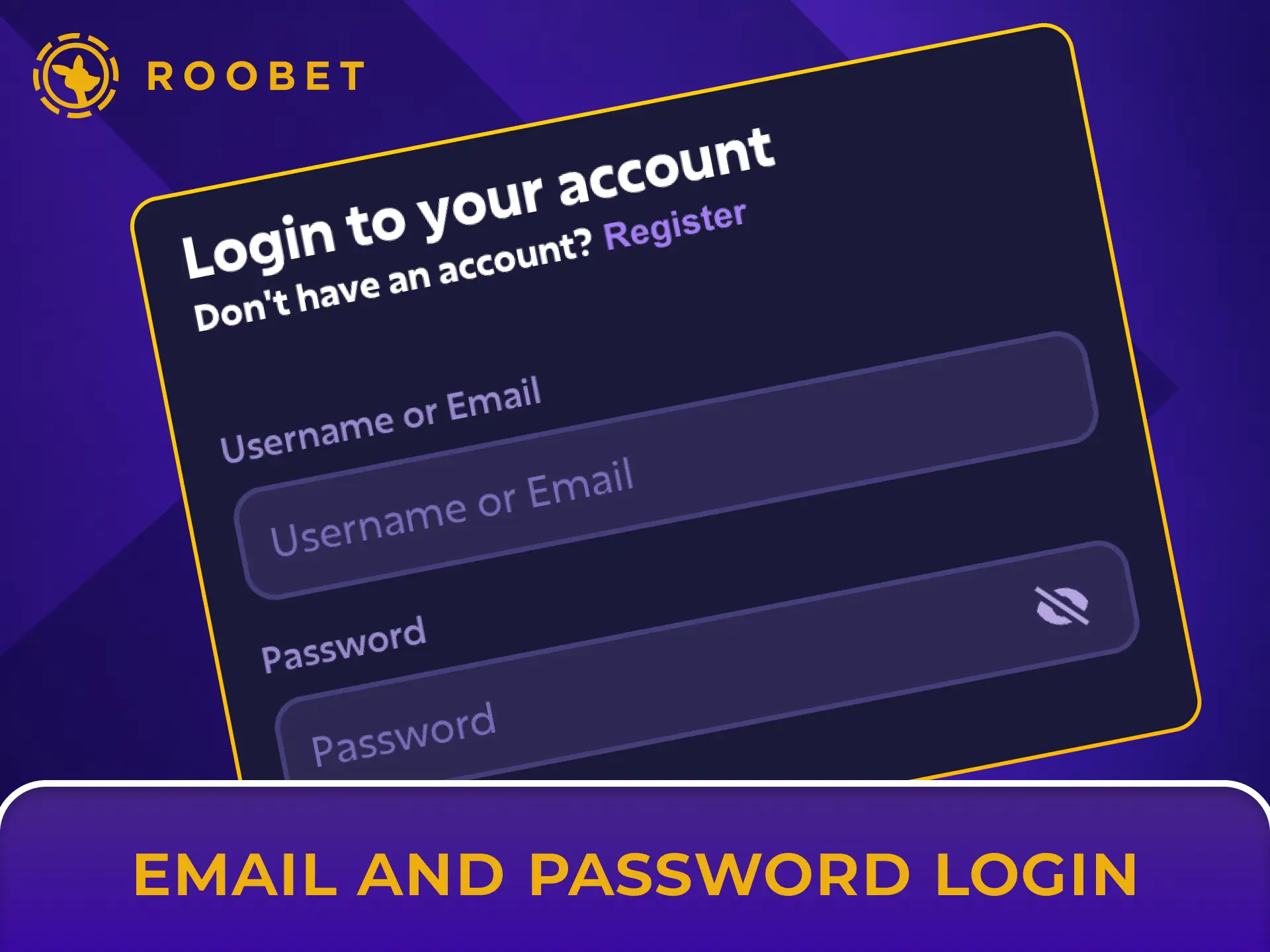
Google Sign-In
Players who signed up with Google can skip the email and password. The option depends on the country, so it may not appear for every account.
- Select the Google option on the login form.
- Choose the Google account linked to the Roobet profile.
- Confirm the sign-in and enter the 2FA code if it is on.
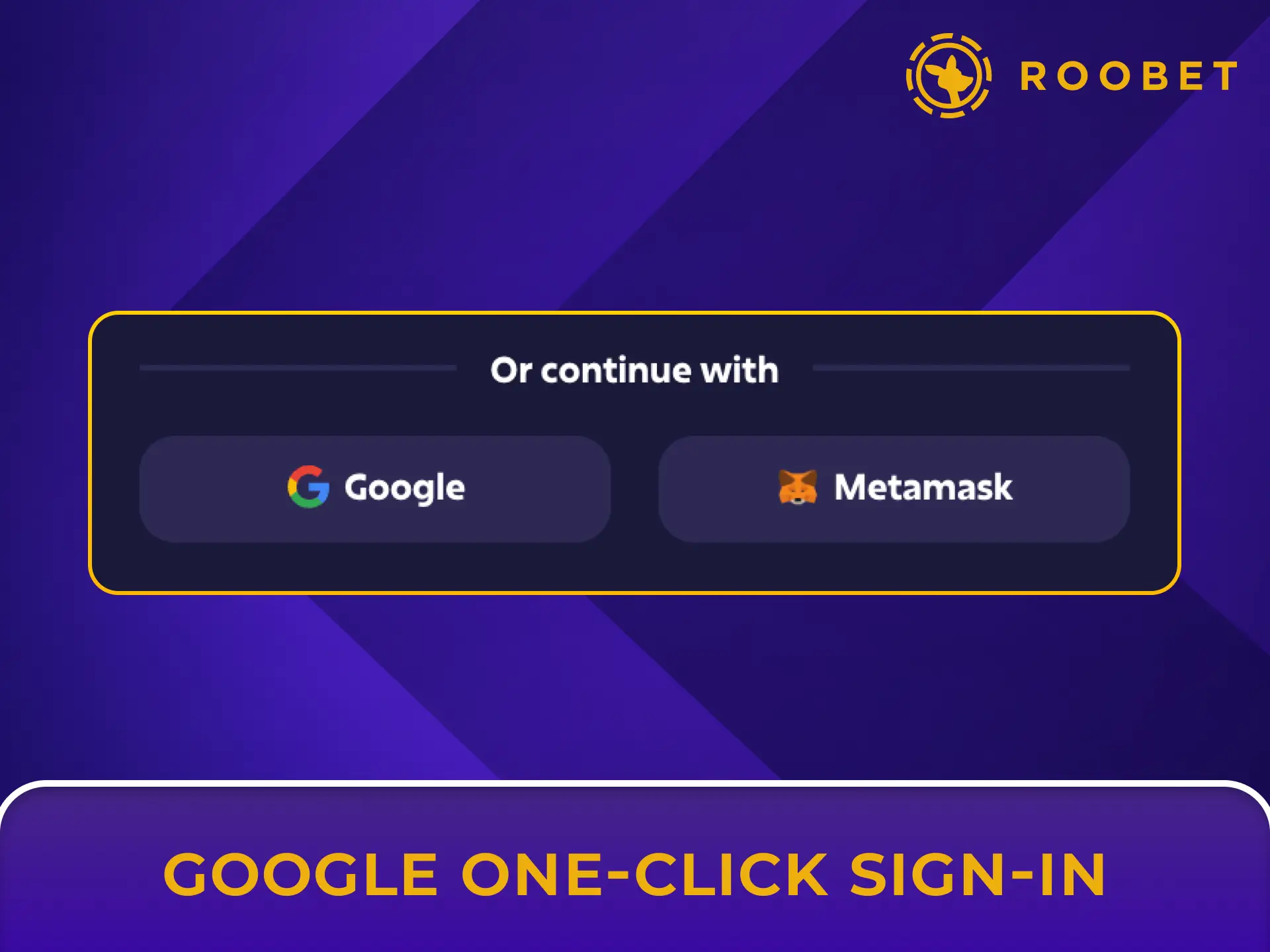
Logging In on a Phone
Roobet has no separate app in the stores, so phone players sign in through Chrome, Safari or another browser, which loads the same login form as the official website. A shortcut added from the browser menu makes the next visit quicker, and the Roobet mobile page explains how to set it up. The balance, open bets and Roowards progress are the same as on desktop.
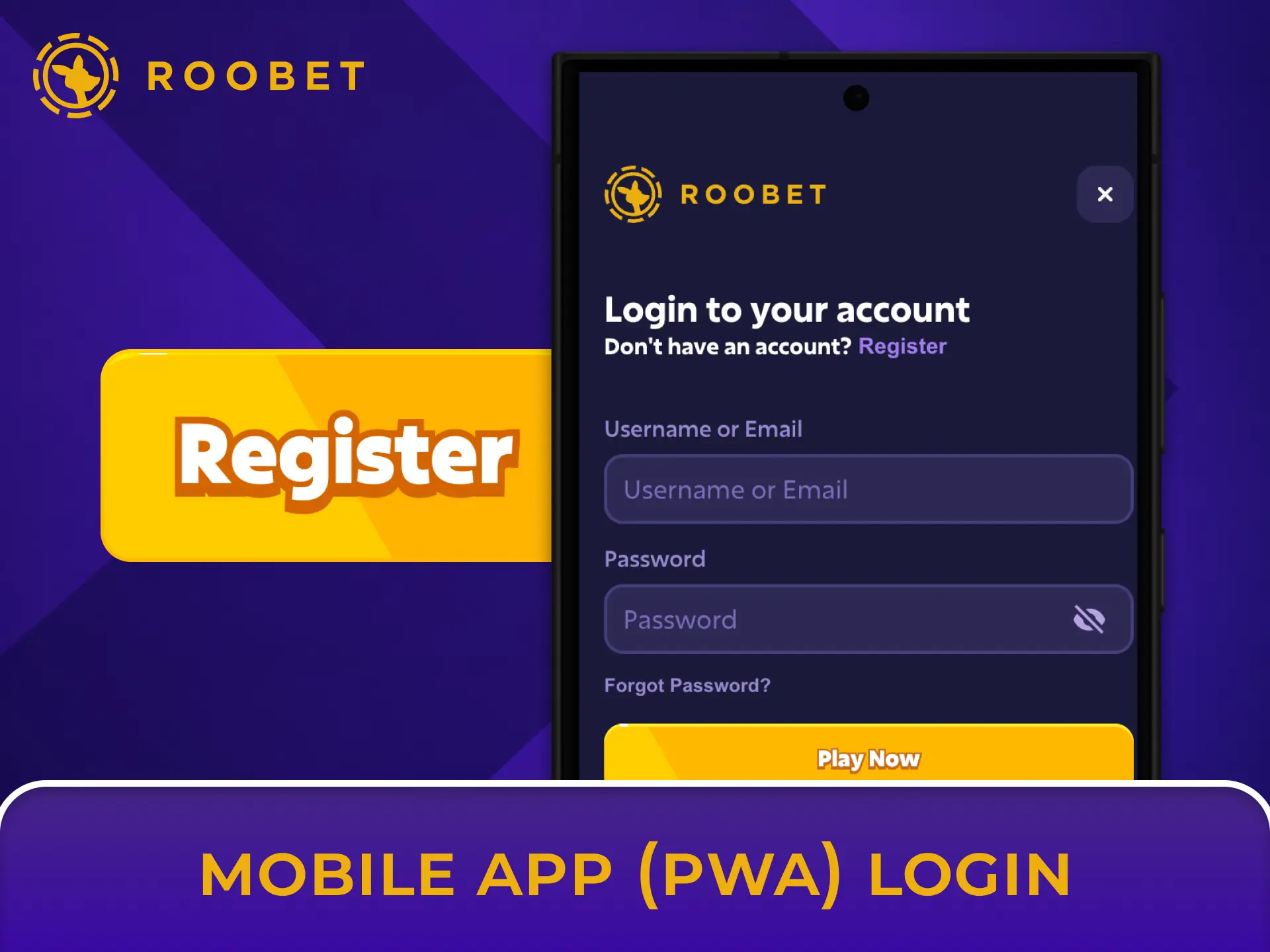
How to Log In to Roobet Step by Step
The five steps below work on a computer and on a phone.
Open Roobet
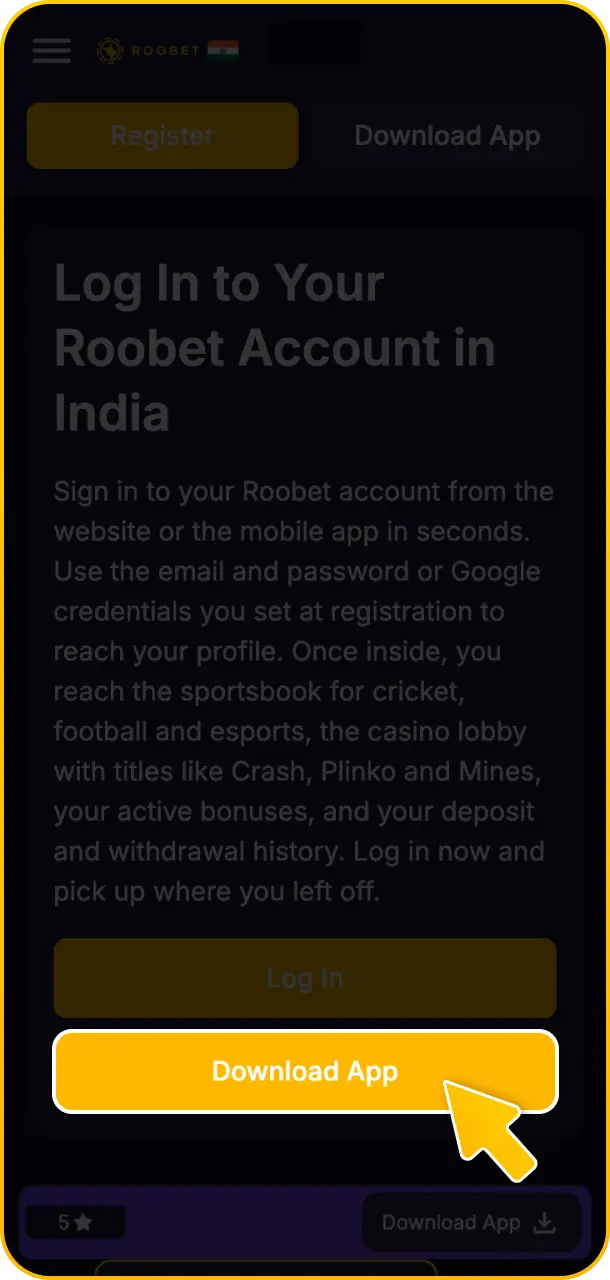
Open the Roobet website or the home screen shortcut in the browser.
Select Log In
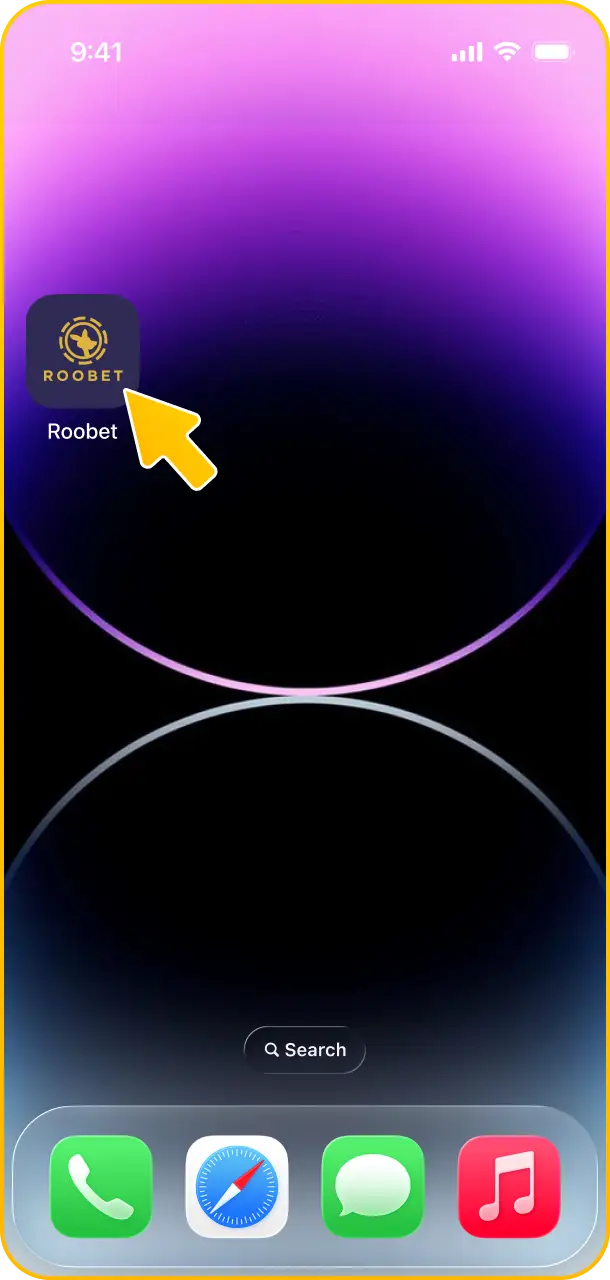
Tap Log In at the top of the page to open the form.
Enter Credentials
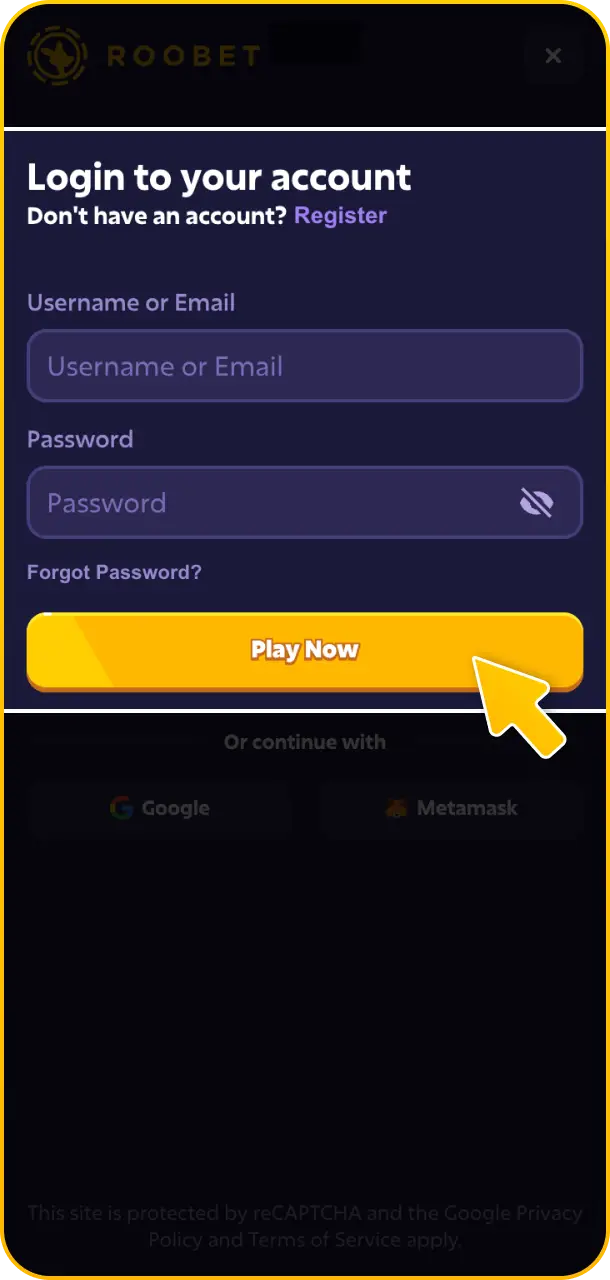
Type the email and password, or choose Google if the account was created with it.
Verify 2FA
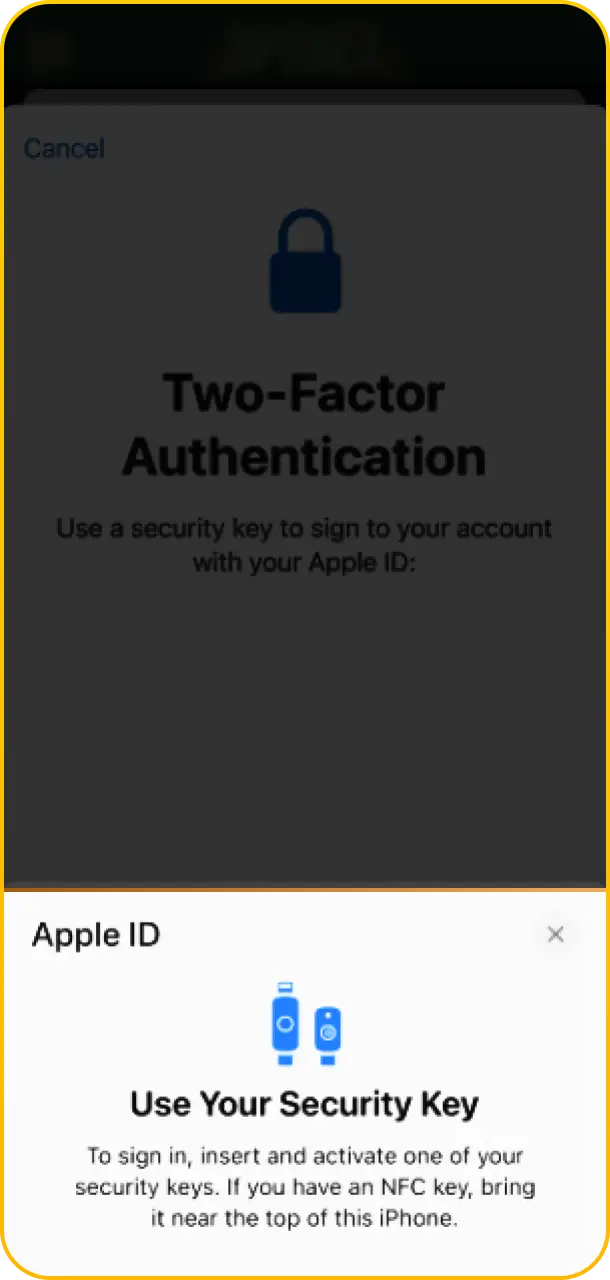
Enter the current code from Authy or Google Authenticator if 2FA is active.
Access Dashboard
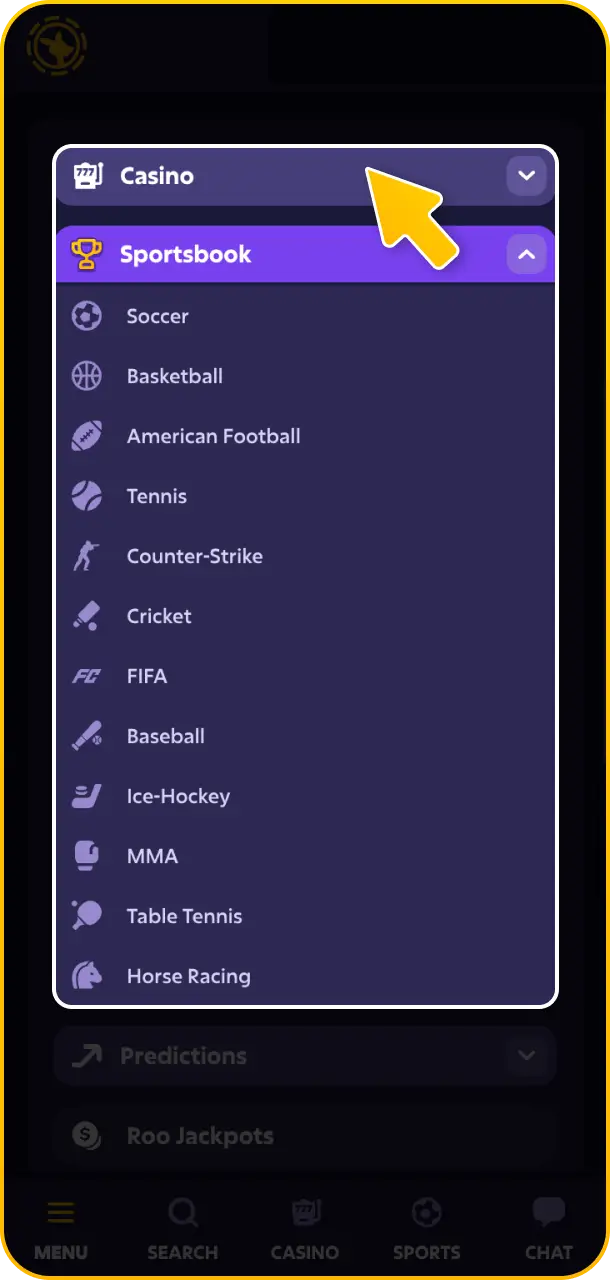
Land on your dashboard with sportsbook, casino lobby and balance ready.
What You Can Access After Logging In
A signed-in Roobet account opens the whole product:
- Pre-match and live betting on cricket, football, tennis and esports, with Cash Out on eligible bets;
- A casino lobby with Crash, Mines, Towers and slots from many studios;
- Roowards rakeback, Rain and other active promotions;
- Deposits by UPI, card or crypto, and withdrawals in crypto or by IMPS;
- A full transaction history for bets, deposits and payouts;
- Account settings for 2FA, Gambling Limits and verification.
Logging in is also the quickest way to check the balance and claim rakeback that is ready.
Possible Account Login Problems on Roobet and Their Solutions
Most Roobet login problems come from a few common causes, and the table lists the fix for each.
| Problem | Solution |
|---|---|
| Incorrect password | Check Caps Lock and the keyboard language, or use Reset Password on the login form. |
| Reset code not received | Check the spam folder, confirm the email on the account and request a new code. |
| 2FA code rejected | Make sure the phone clock is set automatically, then enter the newest code from the authenticator. |
| Google option missing | Google sign-in depends on the country; use the email and password instead. |
| Account under review | Verification can pause access; 24/7 Live Support can give a status update. |
Recovering a Forgotten Roobet Password
A forgotten Roobet password can be replaced from the login form in a few minutes.
- Select Reset Password on the login form.
- Enter the email address linked to the account.
- Copy the code Roobet sends to that inbox.
- Enter the code, choose a new password and sign in again.
Keeping Your Roobet Login Secure
Protect your Roobet account login with a strong, unique password not reused on other sites. Turn on two-factor authentication with Authy or Google Authenticator in the security settings for an extra verification step at sign-in. Never share your login details, including with anyone posing as support. Sign out after sessions on shared or public devices. Stay alert for links asking for your credentials outside the official website, since these often lead to phishing attempts. Review your security settings and login history from your profile regularly.
FAQ
Can I log in to Roobet from a new device?
Yes. The same email and password or Google account work on any device, and accounts with 2FA ask for the authenticator code as usual.
Does Roobet keep me signed in across sessions?
A session can stay open on a trusted device until the player logs out. On shared or public devices, logging out after each visit is the safer habit.
Can I use the same Roobet login on a computer and a phone?
Yes. Roobet has no separate app, so the same login works in desktop and mobile browsers, including a home screen shortcut.
What if I forget which login method I used to register?
Try the email and password first. If that fails, use the Google option, which only works for accounts created with Google, or ask 24/7 Live Support.
Is two-factor authentication mandatory on Roobet?
No. 2FA is optional but recommended, and it is switched on in the security settings with Authy or Google Authenticator.
Updated: